
Turning Salesforce Pain Points into Wins: How to Get the Most Out of Your CRM
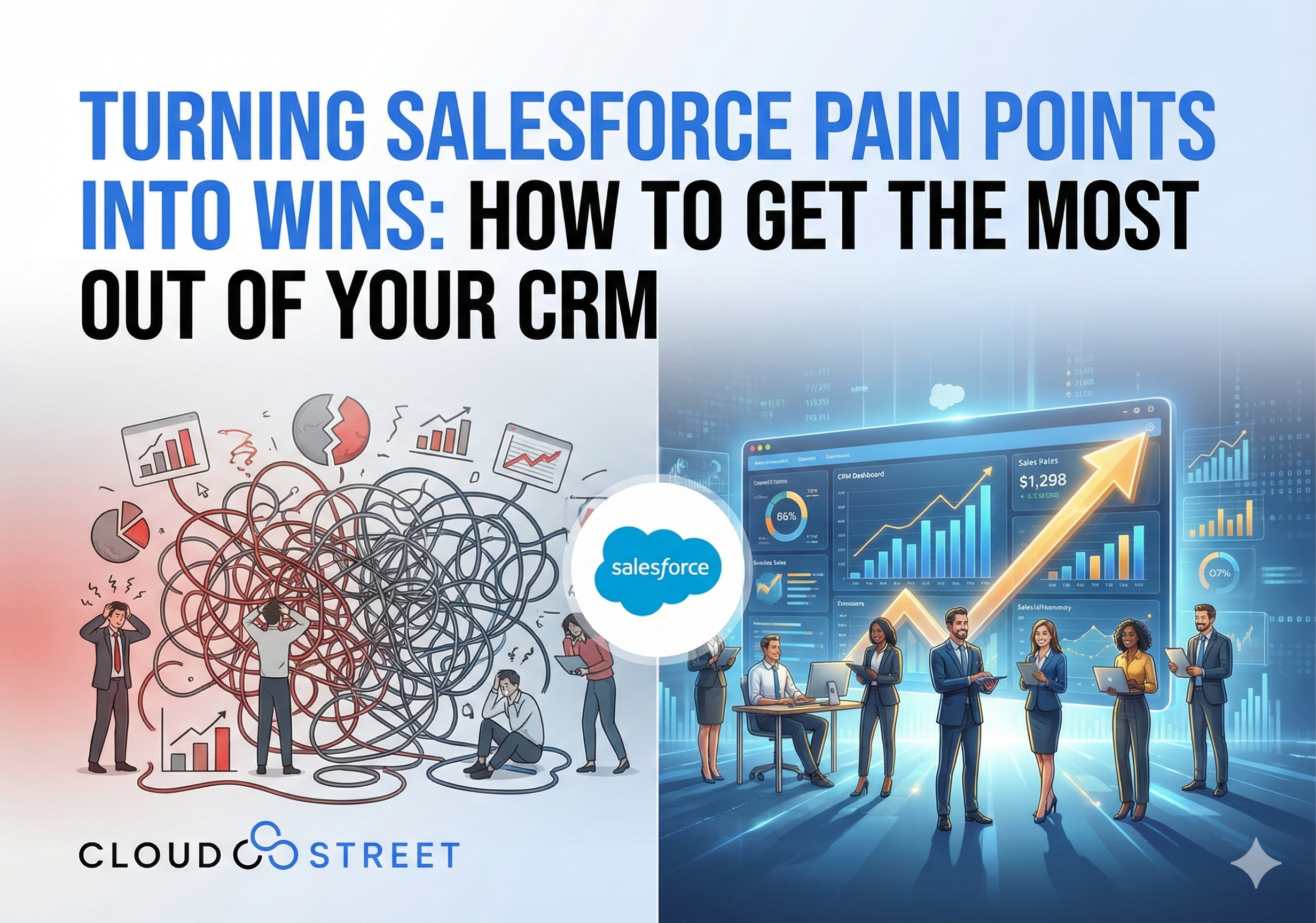
Let’s be honest: that Reddit thread hit a nerve, didn’t it? Business owners across the globe are voicing the same frustrations about Salesforce: it feels clunky, doesn’t match their workflows, produces reports nobody trusts, and gets ignored by teams unless they’re forced to use it.
Here at CLOUDSTREET, working with clients from our Houston headquarters to organizations worldwide, we see these exact challenges daily. But here’s the thing: these pain points aren’t inevitable. They’re usually symptoms of poor implementation, inadequate training, or trying to force Salesforce into the wrong shape for your business.
Let’s dig into why these complaints happen and, more importantly, how to avoid them entirely.
Why Salesforce Feels “Clunky” (And How to Fix It)
When users say Salesforce feels clunky, they’re usually experiencing one of three core issues: over-customization, poor data hygiene, or workflows that don’t match their actual business processes.

The Over-Customization Trap
Many organizations fall into the trap of thinking more customization equals better results. Wrong. The cleanest, fastest Salesforce instances leverage out-of-the-box functionality wherever possible.
Start with standard objects and processes first. Salesforce’s native features handle 80% of most business needs right out of the gate. Custom fields, objects, and complex automation should only be added when they directly solve a specific business problem that standard features can’t address.
Our recommendation: Document every customization with a clear business justification. If you can’t explain why something needs to be custom in one sentence, it probably doesn’t.
Ready to streamline your Salesforce setup? Our Salesforce services team can audit your current configuration and identify optimization opportunities.
Workflow Misalignment
The second major cause of “clunkiness” is forcing Salesforce to match broken or inefficient processes instead of using the implementation as an opportunity to improve workflows.
Map your ideal process first, then configure Salesforce to support it. Don’t just digitize your existing chaos: use this as a chance to eliminate redundant steps and clarify responsibilities.
Fixing the “Reports Nobody Trusts” Problem
Unreliable reports usually stem from three issues: garbage data, poorly designed report logic, or lack of user education on what the numbers actually mean.

Clean Data Is Everything
Data quality is non-negotiable for trustworthy reporting. Here’s your 4-step data governance framework:
- Audit existing data – Identify duplicates, incomplete records, and inconsistent formatting
- Establish validation rules – Prevent bad data from entering the system in the first place
- Assign data ownership – Someone needs to be responsible for maintaining data quality in each department
- Regular cleanup schedules – Set monthly or quarterly data hygiene reviews
Build Reports Users Actually Understand
Complex reports with dozens of filters and unclear metrics confuse more than they clarify. Instead:
Start with simple, single-purpose dashboards. Each report should answer one clear business question. If you need multiple metrics, create multiple focused reports rather than one overwhelming dashboard.
Provide context and definitions. Include brief explanations of what each metric means and how it’s calculated. Your sales team shouldn’t need a data science degree to understand their pipeline reports.
Getting Your Team to Actually Use Salesforce
Team resistance is the biggest predictor of CRM failure. But it’s also the most preventable problem if you approach it correctly.

Make It Easier, Not Harder
If Salesforce adds work to someone’s day without obvious benefit, they’ll find ways to avoid using it. The solution isn’t enforcement: it’s making the tool genuinely helpful.
Eliminate duplicate data entry. Integrate Salesforce with tools your team already uses daily. Whether it’s Excel integration or connecting communication platforms, reduce friction wherever possible.
Automate routine tasks. Use Process Builder and Flow to handle repetitive work like follow-up emails, task assignments, and data updates. When Salesforce saves people time instead of costing time, adoption follows naturally.
Involve Users in the Design Process
The fastest way to ensure team buy-in is involving them in system design from day one. Run working sessions where actual users can test workflows and provide feedback before going live.
Create power users in each department. These champions become your internal advocates and first-line support when questions arise. Invest in training them well: they’ll train everyone else.
Need help building a change management strategy that actually works? Let’s discuss how our team can support your rollout process.
5 Best Practices to Avoid Common Pitfalls
Based on our experience helping clients across industries get real value from their Salesforce investment, here are the five practices that separate successful implementations from frustrated ones:

1. Start Small and Iterate
Don’t try to solve every business challenge in your initial implementation. Pick 2-3 core processes, get those working smoothly, then gradually expand functionality.
Focus on quick wins first. Successfully automating one simple process builds confidence and demonstrates value to skeptical team members.
2. Invest in Proper Training
Budget 20-30% of your implementation cost for training and ongoing support. This isn’t optional: it’s the difference between a tool that gets used and one that gets ignored.
Provide role-specific training. A sales manager needs different skills than a customer service rep. Generic training sessions help nobody.
3. Plan for Data Migration Carefully
Moving data from legacy systems is where most implementations hit their first major snag. Clean and validate data before migration, not after.
Test your data migration in a sandbox first. Find and fix issues when mistakes don’t impact your live business operations.
4. Establish Clear Governance
Decide who can make changes to the system and establish a process for requesting modifications. Uncontrolled customization leads to the “clunky” experience everyone complains about.
Document your configuration decisions. Six months later, you’ll need to remember why you set something up a specific way.
5. Monitor Adoption and Performance
Track not just whether people are using Salesforce, but how they’re using it. Low activity in certain areas might indicate training gaps or workflow problems.
Regular check-ins prevent small issues from becoming big problems. Monthly usage reviews help you spot and address adoption challenges early.
Turning Frustration Into Results
The Reddit complaints about Salesforce are real, but they’re not inevitable. With proper planning, clean implementation, and ongoing attention to user experience, Salesforce becomes a powerful asset rather than a daily frustration.

Working from Houston with clients spanning local Texas businesses to global enterprises, we’ve seen organizations transform their operations by addressing these core challenges systematically. The difference between success and failure isn’t the technology: it’s how thoughtfully you implement and maintain it.
The key is approaching Salesforce as a business transformation project, not just a software installation. When you align the tool with your actual workflows, maintain clean data, and invest in user adoption, those Reddit complaints become a thing of the past.
Ready to turn your Salesforce frustrations into competitive advantages? Our team specializes in fixing broken implementations and optimizing existing systems for maximum user satisfaction and business results.
Don’t let common pitfalls derail your CRM investment. Partner with experts who understand both the technology and the human side of successful change management.
Category
Discover insights that drive results - explore out latest blog posts now

Case Study: How Highland Cabinetry Colorado Built a Modern Wholesale Powerhouse on Salesforce B2B Commerce Cloud
In the world of high-end cabinetry, timing is everything. When [...]

Agentforce ROI: 7 Ways to Maximize Your Salesforce AI Investment
You've heard the buzz. Salesforce Agentforce is supposed to revolutionize [...]

Salesforce B2B Commerce Cloud Partner & Consultant Guide
You're about to drop serious money on a Salesforce B2B [...]
