
Excel Integration with Salesforce – Bridging Simplicity with Data Intelligence
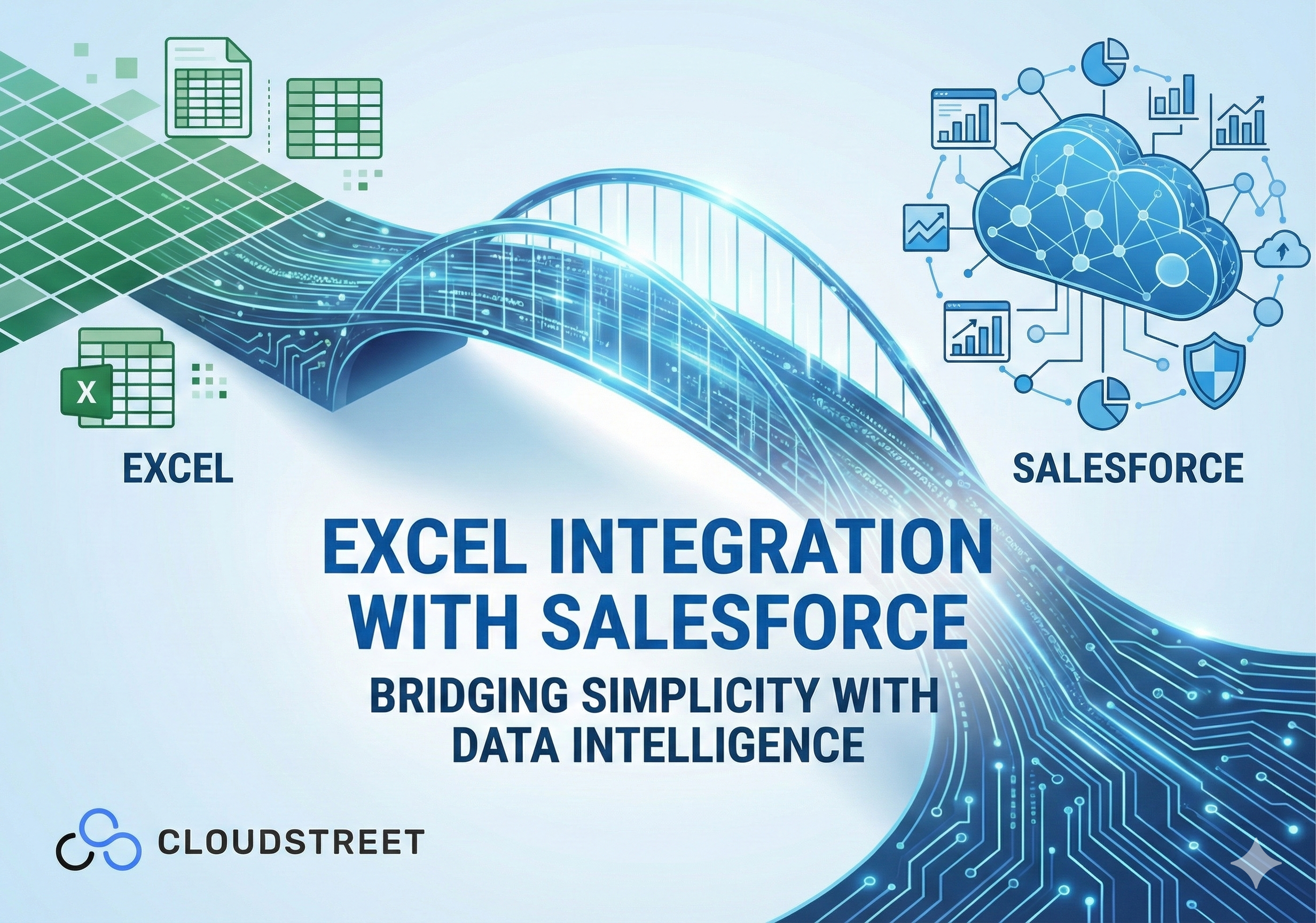
Let’s face it – your team loves Excel. It’s familiar, flexible, and gets the job done. But when your business data lives in Salesforce, switching between platforms creates friction, delays, and those dreaded “version control nightmares” we’ve all experienced.
Here at CLOUDSTREET, we work with companies from our Houston headquarters to help businesses globally solve this exact challenge. The good news? You don’t have to choose between Excel’s simplicity and Salesforce’s intelligence. Smart integration bridges both worlds seamlessly.
The Real Cost of Data Disconnection
Most growing businesses face the same scenario: sales teams work in Salesforce during the day, then export data to Excel for analysis, reporting, or sharing with stakeholders who prefer spreadsheets. Marketing pulls campaign data into Excel. Finance wants revenue forecasts in familiar formats.
This constant export-import cycle wastes hours weekly, creates multiple versions of “truth,” and introduces human error at every step. Worse, by the time your Excel analysis is complete, the Salesforce data has already changed.

Ready to eliminate these workflow bottlenecks? Our Salesforce services team has helped dozens of companies streamline their data processes.
5 Proven Methods for Excel-Salesforce Integration
1. Native Salesforce Tools for Quick Wins
Salesforce Data Loader remains the go-to solution for bulk operations. This free desktop application handles imports, exports, updates, and deletions using CSV files. Perfect for monthly data migrations or one-time cleanups.
Data Import Wizard works directly within Salesforce’s web interface for smaller datasets (up to 50,000 records). No software installation required – just upload your CSV, map the fields, and let Salesforce handle the rest.
Both methods require manual CSV conversion and offer no automation, making them suitable for periodic rather than ongoing integration needs.
2. Excel Add-Ins for Real-Time Sync
Coefficient and Superjoin transform Excel into a live Salesforce dashboard. After installing these add-ins from Excel’s marketplace, you authorize your Salesforce connection and immediately access real-time data.
These tools support two-way synchronization, meaning changes in Excel can update Salesforce records automatically. Set up hourly, daily, or weekly refresh schedules to keep data current without manual intervention.
XL-Connector from the Salesforce AppExchange provides similar functionality with additional focus on bulk data management within familiar Excel interfaces.
3. Workflow Automation Platforms
Zapier creates automated workflows between systems without coding. Set Salesforce triggers (like “new opportunity created”) to automatically populate Excel rows, or vice versa.
While excellent for simple automation, Zapier has limitations with large datasets and complex data transformations. Best suited for notification workflows and basic data copying.
4. Enterprise Integration Platforms
Third-party platforms like Integrate.io, Valorx Fusion, and X-Author offer robust, scalable solutions for larger organizations. These platforms provide:
- Real-time bidirectional synchronization
- Custom field mapping and data transformation
- Scheduled batch processing for large datasets
- Error handling and data validation
5. Advanced Technical Solutions
For organizations with technical resources, direct Salesforce API integration using Excel VBA provides unlimited customization. Power Query enables SQL-capable users to extract and manipulate Salesforce data with scheduled refreshes.
ODBC drivers allow direct SQL queries against Salesforce from Excel, treating your CRM like a database.

Wondering which approach fits your business best? Let’s discuss your specific needs – contact our Salesforce specialists for a consultation.
4 Key Business Benefits of Proper Integration
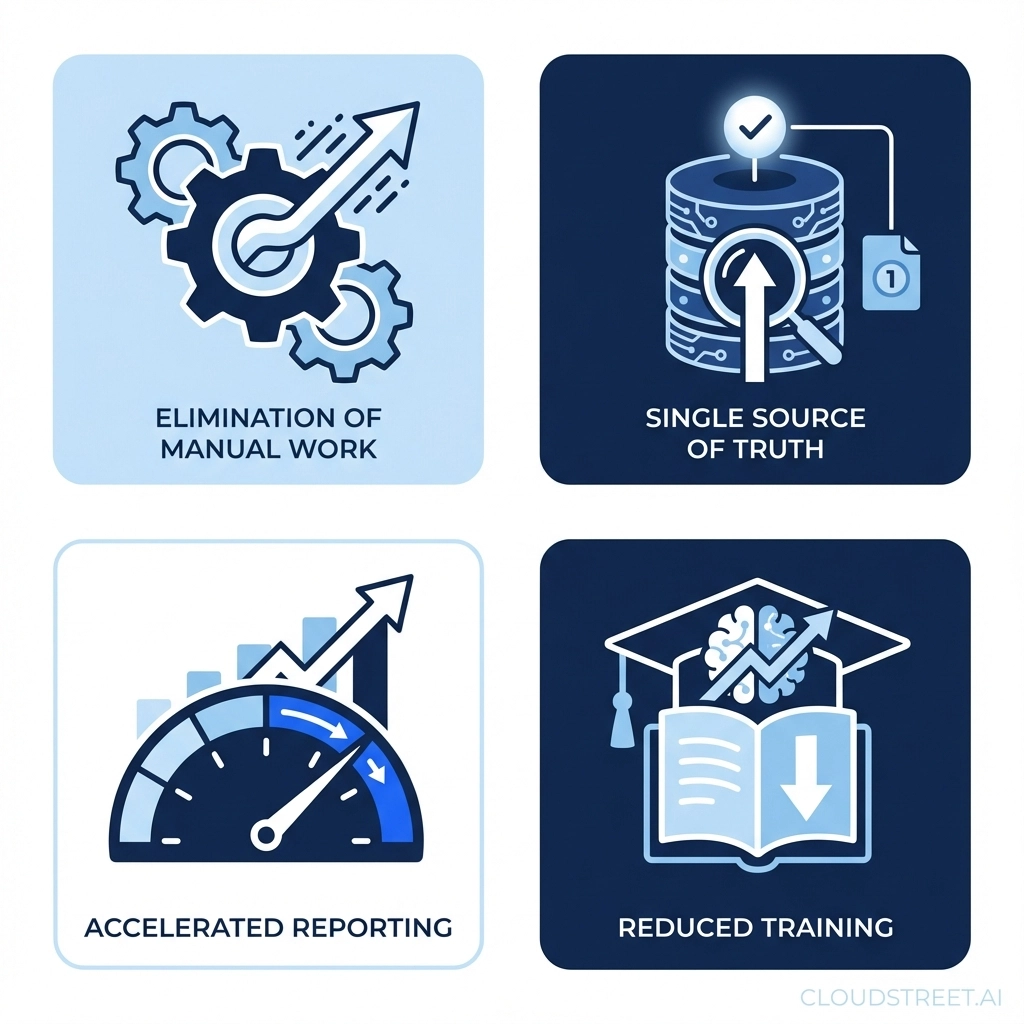
1. Eliminate Manual Data Entry
Automated synchronization removes the tedious export-import cycle that consumes hours weekly. Your team focuses on analysis rather than data preparation.
2. Ensure Single Source of Truth
Real-time integration means Excel always reflects current Salesforce data. No more confusion about which version is correct or outdated reports driving wrong decisions.
3. Accelerate Reporting and Analysis
Finance teams get instant access to sales pipeline data. Marketing sees campaign performance in familiar Excel formats. Leadership receives consistent reporting without delays.
4. Reduce Training Overhead
Teams continue using Excel’s familiar interface while accessing Salesforce’s powerful data. No need to retrain staff on new software or abandon existing Excel-based workflows.
Implementation Considerations for Growing Businesses
Data Volume and Frequency: Small teams with occasional reporting needs might start with native Salesforce tools. Organizations processing thousands of records weekly benefit from dedicated integration platforms.
Security and Compliance: Note that Salesforce implemented security updates in September 2025 requiring admin authorization for third-party app connections. Ensure your chosen solution meets your compliance requirements.
User Technical Skills: Non-technical teams prefer no-code Excel add-ins. Organizations with IT resources can leverage API-based solutions for maximum flexibility.
Budget and ROI: Calculate the time savings from eliminating manual processes. Most organizations recover integration costs within 3-6 months through improved efficiency alone.
The CLOUDSTREET Approach to Excel-Salesforce Integration
From our Houston base, we’ve helped companies across industries implement seamless Excel-Salesforce connections. Our approach focuses on understanding your actual workflows rather than just technical requirements.
We start by mapping your current data processes, identifying pain points, and recommending solutions that fit your team’s skills and business needs. Whether you need a simple add-in for basic reporting or a comprehensive integration platform for complex data transformations, we ensure the solution actually gets used rather than abandoned.

Our clients typically see immediate improvements in data accuracy, faster monthly reporting cycles, and reduced frustration from teams who no longer fight with manual data processes.
Making the Right Choice for Your Organization
The key to successful Excel-Salesforce integration isn’t choosing the most advanced solution – it’s selecting the approach that your team will actually use consistently.
Start by documenting your current process: How often do you export data? What analysis happens in Excel? Who needs access to which information? This clarity drives the right technical decision.
For most growing businesses, Excel add-ins provide the best balance of functionality and ease of use. Larger organizations with complex data requirements benefit from dedicated integration platforms.
Ready to bridge the gap between Excel’s simplicity and Salesforce’s intelligence? Our Salesforce services team specializes in practical integrations that actually improve daily workflows.
Don’t let data disconnection slow down your growing business. The right integration turns Excel and Salesforce into powerful allies rather than competing systems.
Category
Discover insights that drive results - explore out latest blog posts now

DealHub Salesforce Integration for Manufacturers: Connecting CPQ, Contracts, and CRM
About the manufacturer: mid-market industrial equipment company A U.S.-based, mid-market [...]
Salesforce Data 360 and Agentforce: Why Grounding Is What Makes AI Agents Dependable
An AI agent can produce a fluent answer and still [...]
Salesforce Data 360 Governance and Informatica: Managing Data Quality, Access, and Trust in the Agentic Era
Data governance becomes more consequential when business data does more [...]
