Salesforce Document AI: Turning PDFs, Invoices, and Dealer Documents into Structured Salesforce Data
Category: Blog | Label: Agentforce Commerce
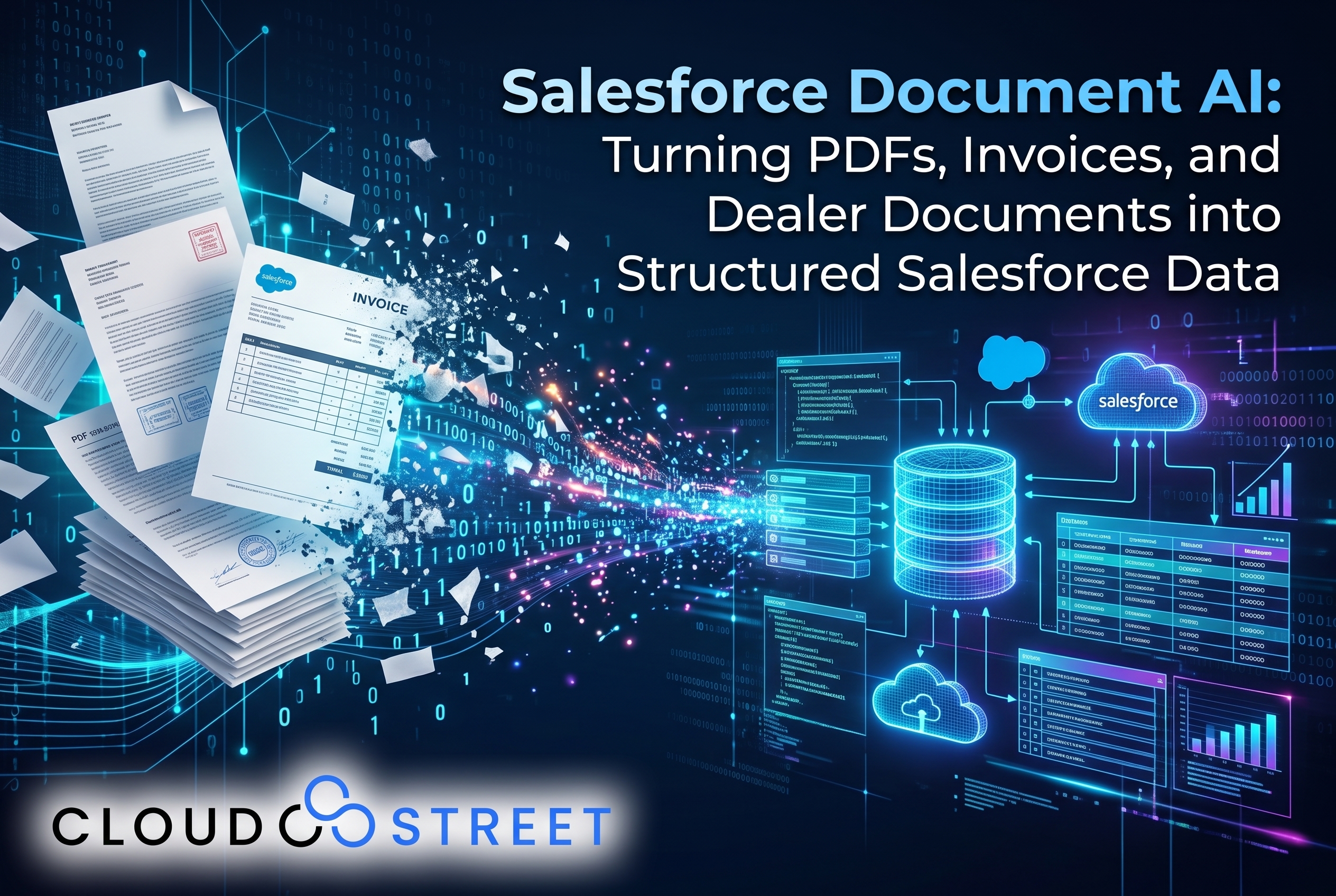
Businesses often store important operating information in PDFs and image files: invoices, dealer packets, claims, contracts, compliance certificates, and onboarding forms. The details may be useful, but they can be difficult to search, report on, or use in automated workflows while they remain locked inside documents.
Salesforce Document AI is a native Data 360 capability designed to help turn that unstructured content into structured, queryable data. In this article, we explain how it works, where it may fit, and what to evaluate before putting extracted information into business processes.
For context on how Document AI fits alongside other Salesforce data capabilities, see our detailed guide to the Salesforce Data 360 product family.
What is Salesforce Document AI?
Salesforce Document AI is a generally available Data 360 capability for extracting and interpreting information from documents. It combines optical character recognition (OCR), large language models, and multimodal processing to identify document content and return selected details in a structured format.
OCR can recognize text in scanned pages and images. The configured schema tells the system which fields to look for, for example, invoice number, supplier, total amount, or due date. Language models and multimodal processing can help interpret the content and context, including layouts and visual elements.
The output is structured data that downstream Salesforce processes can work with, rather than only a file attachment. That can make business information easier to query, use in reports, pass into a Flow, or provide as context to an agent.

How the Salesforce Document AI workflow works
A typical implementation follows four steps:
- Define the schema. Specify the document types and fields to identify, along with the expected data structure.
- Ingest a document. Make the file available to the configured Document AI process.
- Extract and classify. The system interprets the document, identifies its type, and extracts the configured fields.
- Use structured output. Return the extracted information as structured data objects for Salesforce processes and applications.
Schema design is central to the results. If a business needs a purchase order number, item lines, quantities, and delivery date, those requirements should be reflected in the fields and document categories, not left for a downstream user to infer.
The split-and-classify pattern
Some files contain multiple document types in one packet. For example, a financial services loan packet might include an application, proof of income, bank statements, and collateral information. A split-and-classify workflow first separates the packet into individual documents, classifies each one, and then extracts the relevant fields for that document type.
This approach can help avoid applying one set of extraction rules to a mixed packet. It also makes it easier to route different documents to the right review or business process.
File types and format checks
Salesforce documentation describes support for PDFs and image formats including JPEG and PNG for the document extraction action. TIFF and BMP may be relevant in some environments, but supported formats and limits can depend on the current configuration and version. We recommend confirming the formats and file-size limits in your Salesforce org before planning a production workflow.
Where can businesses use Document AI?
Document AI can help when staff regularly read documents and rekey the same kinds of details into Salesforce or related systems. Use cases vary by industry and function:
- Financial services and insurance: loan packets, claims documents, and supporting evidence.
- Manufacturing, distribution, and operations: invoices, packing slips, purchase orders, and supplier documents.
- Dealer networks: dealer documents, agreements, and contracts.
- Compliance teams: certificates, attestations, and regulatory documentation.
- Healthcare: lab results and other administrative documents, subject to applicable privacy and governance requirements.
- Human resources and customer operations: onboarding forms and supporting records.
Many manufacturers and distributors hold a substantial share of their operational knowledge in unstructured content. When useful details stay in separate files, they are harder to search, report on, or bring into automated work. Document AI can convert selected information into governed, queryable context that CRM processes, analytics, and agents can use.
We’ve also written about turning unstructured data into structured gold for manufacturers and distributors.

Connecting Document AI to Salesforce workflows
Extracted information becomes more useful when it reaches the next business step. Salesforce provides several ways to connect Document AI output to other work:
- Agentforce: An agent can invoke Document AI as part of a workflow, subject to the configured actions, permissions, and design.
- Salesforce Flow: A Flow can route extracted fields, create or update records, and manage review steps.
- Apex: Developers can use Apex when the process requires custom logic or more specific handling.
- Data 360 Connect REST APIs: API-based integrations can invoke the document extraction action pattern and work with the returned structured data. Check Salesforce’s current Extract Data from Document action documentation for implementation details and availability.
For example, an operations workflow might extract invoice details, compare them with an order record, and send exceptions to a review queue rather than automatically updating financial records.
Organizations considering broader agent workflows can also explore our Salesforce AI services. And where extracted information needs to move between Salesforce and an ERP, our Salesforce and Oracle Fusion integration overview discusses connecting front- and back-office processes.
Costs and alternatives: five considerations
Document AI consumption is priced through Data 360 and Flex Credits. Salesforce’s public pricing page lists Flex Credits at $500 per 100,000 credits, while specific processing consumption depends on the applicable usage category and contract. Document volume and pages processed affect total usage, but file size and the enabled processing configuration may also matter. Check Salesforce’s current Data 360 pricing and Digital Wallet usage details before estimating a project. Pricing, entitlements, and product capabilities can change over time.
When comparing native Document AI with a third-party document-processing application available through AgentExchange (formerly AppExchange), consider these four factors:
- Native integration: How directly does the solution connect to Data 360, Salesforce records, and existing workflows?
- Credits and total cost: How is usage measured, and how does the expected document mix affect the estimate?
- Schema flexibility: Can the solution handle your document types, field requirements, and layout variations?
- Governance: How are permissions, retention, data handling, and human review addressed?
A build-versus-buy decision should include more than model capability. Consider implementation effort, ongoing maintenance, compliance needs, and the operational cost of correcting extraction errors.
Implementation: five practical checks
Before scaling a document workflow, we recommend testing it against real documents and planning for exceptions:
- Design the schema around decisions. Capture fields the business process actually needs, rather than every available detail.
- Test representative samples. Include different suppliers, layouts, image quality, and document versions.
- Validate accuracy. Compare extracted values with reviewed source documents and track errors by field and document type.
- Include human review for high-stakes data. Loan decisions, claims, compliance records, and financial transactions may need an approval step.
- Plan for errors and governance. Define what happens when a file cannot be processed, a field is missing, or confidence is low. Confirm permissions and retention requirements as part of the design.

Document AI can reduce repetitive data entry, but extracted values should not be treated as automatically correct. Clear exception handling and appropriate review are important, particularly when errors could affect financial, customer, or compliance outcomes.
How CloudStreet can help
At CloudStreet, we build Document AI schema configurations, connect extraction to Flows, Apex, and Agentforce, and validate results against real business documents. We help teams assess document formats, workflow requirements, governance, and expected usage before expanding a pilot. For a detailed look at our delivery approach, see Salesforce Data 360 Implementation Services.
We are based in Houston, Texas, and serve customers locally and globally. If you are assessing Salesforce Document AI or planning a document-processing workflow, Schedule a Call, Get a Quote, or Contact Our Team.
Category
Discover insights that drive results - explore out latest blog posts now

DealHub Salesforce Integration for Manufacturers: Connecting CPQ, Contracts, and CRM
About the manufacturer: mid-market industrial equipment company A U.S.-based, mid-market [...]
Salesforce Data 360 and Agentforce: Why Grounding Is What Makes AI Agents Dependable
An AI agent can produce a fluent answer and still [...]
Salesforce Data 360 Governance and Informatica: Managing Data Quality, Access, and Trust in the Agentic Era
Data governance becomes more consequential when business data does more [...]