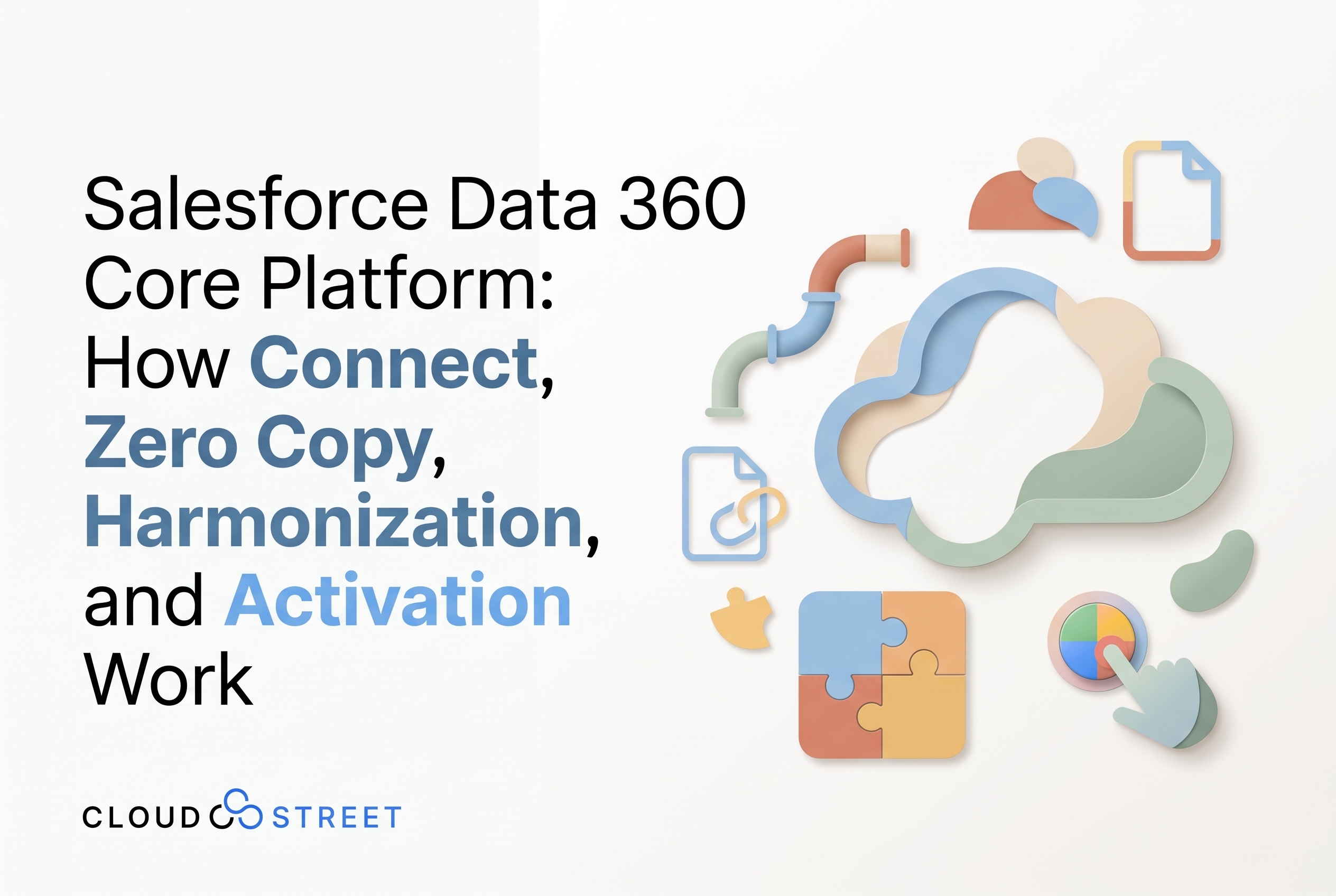
Salesforce Data 360 Core Platform: How Connect, Zero Copy, Harmonization, and Activation Work
Category: Blog
Salesforce Data 360 is the Salesforce platform’s real-time data engine: it connects information from multiple systems, organizes it into business-ready structures, and makes it available for analytics, automation, personalization, and AI. Salesforce Data Cloud and Genie are earlier names you may still encounter in documentation and search results; Salesforce now calls the product Data 360.
The platform is not simply a place to copy customer records. It offers different ways to bring data in, query it where it lives, map it to a shared model, derive useful insights, and activate those insights in Salesforce and external channels. Which approach fits depends on the use case, source systems, data governance requirements, and performance expectations.
For a broader view of the related products, see our complete guide to the Salesforce Data 360 product family. For an initial conversation about your data environment, schedule a call with our team.
Six core layers of the Salesforce Data 360 platform
1. Connect: Bring data together
Data 360 connects to Salesforce applications and external business systems through prebuilt connectors, APIs, SDKs, streaming and batch ingestion, and MuleSoft integrations. Salesforce materials describe hundreds of connector options, including 200+ prebuilt connectors and access to 300+ sources through MuleSoft. Exact connector availability and counts vary by product, method, and release, so check Salesforce’s connectivity overview for the current catalog.
A connection plan should account for more than whether data can move. Teams also need to decide how frequently it should be refreshed, which fields are required, how errors will be monitored, and which system owns each value. Near-real-time ingestion is useful for time-sensitive interactions, but not every reporting or operational need justifies a streaming design.
2. Zero Copy: Query data without a full duplicate
Salesforce zero-copy integration lets Data 360 work with eligible external data without first loading a permanent copy into Salesforce. Zero-copy options include warehouse connections such as Snowflake, Databricks, Google BigQuery, and Amazon Redshift. Amazon S3 can also be a data source, but its capabilities may differ from warehouse-style query federation; confirm support for your specific storage format and use case.

Zero copy can reduce replication, keep source data fresher, and limit some ETL work. It is not a universal replacement for data ingestion. Consider four tradeoffs before choosing it:
- Latency and workload: Querying an external system can add response time and workload there. Test the queries your segments, workflows, or applications will actually run.
- Permissions and governance: The integration needs appropriate access at the source and in Salesforce. Define how sensitive data is protected and which users or processes can use it.
- Availability and failure behavior: A source outage or connection issue can affect data access. Establish what the consuming process should do when a live query is unavailable.
- When copying still helps: Ingestion or synchronization can be a better fit for predictable performance, repeated high-volume use, operational resilience, or transformations that require a persisted dataset.
Salesforce describes zero copy as bidirectional: eligible external data can be accessed from Data 360, and selected Data 360 insights can be shared back to external platforms. Review Salesforce’s zero-copy overview alongside the limits and requirements of the specific connector.
3. Harmonization: Make different data usable together
Data from different systems rarely arrives with consistent names, formats, or definitions. One source may use customer_id, another account_number, and a third may store several contact details in a single field. Harmonization maps source data to Salesforce’s metadata framework and its reference data models, creating a more consistent logical view.

That model can be customized to reflect an organization’s business needs. Teams can also apply identity and reconciliation rules to determine which records refer to the same person or account and how conflicting values should be handled. The design decisions matter: overly broad matching can combine records that should remain separate, while overly strict rules can leave duplicate profiles unresolved.
4. Data Graphs, insights, and unstructured information
Data Graphs bring selected, related data model objects together into focused views for applications, prompts, and other real-time interactions. Salesforce describes these views as supporting sub-second access, subject to the data, configuration, and use case. They can be useful when an interaction needs a concise context (such as an account, recent orders, and service history) rather than a full enterprise data model.
Data 360 also supports unstructured content such as PDFs, chat transcripts, and knowledge articles. Its vector database uses embeddings, numerical representations of content, to support semantic retrieval and AI grounding. This can help an AI experience retrieve relevant passages from documents, rather than relying only on structured CRM fields. Document processing capabilities and entitlements vary; evaluate whether your use case requires extraction, indexing, search, or additional document AI tooling.
Calculated Insights let teams create metrics from harmonized data, including Customer Lifetime Value, Propensity to Buy, and Engagement Scores. These metrics can inform segmentation, analytics, and operational actions.
The platform also supports audience segmentation and machine-learning use cases. Teams can build segments from unified data and use no-code model capabilities or connect external platforms such as Amazon SageMaker. Model quality and usefulness depend on data fitness, feature selection, evaluation, and ongoing monitoring, not just the modeling interface.
5. Activation: Put insights to work
Data 360 insights can be surfaced in Salesforce by enriching contact, lead, and account pages with relevant fields and objects. Teams can use Flow to respond to changes in unified data, activate audiences to supported destinations, or trigger real-time actions.
External activation options include advertising and messaging destinations such as Google, Facebook, Amazon Ads, and WhatsApp, subject to connector availability and configuration. The value comes from matching the insight to a business decision: route a qualified lead, tailor a service response, adjust a campaign audience, or provide a seller with relevant account context.
Commerce teams can apply customer and account data to buying experiences, including solutions built with B2B Commerce Cloud. Salesforce AI capabilities can also use trusted business context; explore CloudStreet’s Salesforce AI overview for related considerations, including Agentforce Commerce.
6. Pricing: Estimate consumption against the use case
Salesforce Data 360 pricing includes consumption-based Flex Credits and profile-based options. Salesforce’s published pricing currently lists Flex Credits at $500 per 100,000 credits, Profiles at $240 per 1,000 profiles per year, and Enterprise Profiles at $420 per 1,000 profiles per year. Salesforce also says existing customers can start with limited free storage and credits.
These figures are a point-in-time reference, not a quote. Included allowances, entitlements, add-ons, regional terms, and pricing can change. Some processing (such as unstructured data, queries, sharing, streaming, and real-time actions) may still be usage-based depending on the contract. Review Salesforce’s current Data 360 pricing information and confirm your organization’s terms with Salesforce before budgeting.
What a Salesforce Data 360 implementation involves: Six practical steps
A Salesforce Data 360 implementation is most effective when it begins with a clear business decision to improve, rather than a broad goal to connect every available source. We typically recommend planning the work across these six steps:
- Select an initial use case. Choose a measurable sales, service, marketing, or commerce outcome, such as improving account visibility or making a service interaction more informed.
- Assess data readiness. Inventory systems, data owners, quality concerns, refresh needs, privacy requirements, and existing integrations.
- Choose connection patterns. Decide which data to ingest, which to access through zero copy, and where synchronization or caching may be appropriate.
- Map and harmonize data. Define the target model, field mappings, reference values, identity rules, and procedures for resolving conflicting records.
- Design governance and activation. Set access controls and determine where insights should appear or which workflow, segment, or destination should use them.
- Test and monitor. Validate identity matching, data freshness, permissions, query performance, failure handling, activation results, and ongoing consumption.
Manufacturers and distributors can benefit when customer, order, product, and service information sits across ERP, CRM, commerce, and data platforms. For example, integrating Salesforce with Oracle Fusion may help bring business context together; see our Salesforce and Oracle Fusion integration services.
We help organizations assess data readiness, design harmonization strategies, configure connectors and zero-copy patterns, and activate useful insights in Salesforce. For a detailed look at our delivery approach, see Salesforce Data 360 Implementation Services. We’re based in Houston, Texas, and serve customers locally and globally. Learn more about our Salesforce services or read our guide to choosing a Salesforce consulting partner in Houston.
To discuss a potential implementation, get a quote or contact our team.
For context on Salesforce’s evolving AI strategy, see its U.S. AIforce announcement. Product names, capabilities, connector availability, entitlements, and pricing change over time; confirm current details with Salesforce as part of planning.
Category
Discover insights that drive results - explore out latest blog posts now
DealHub Salesforce Integration for Manufacturers: Connecting CPQ, Contracts, and CRM
About the manufacturer: mid-market industrial equipment company A U.S.-based, mid-market [...]
Salesforce Data 360 and Agentforce: Why Grounding Is What Makes AI Agents Dependable
An AI agent can produce a fluent answer and still [...]
Salesforce Data 360 Governance and Informatica: Managing Data Quality, Access, and Trust in the Agentic Era
Data governance becomes more consequential when business data does more [...]