
Why Security on Salesforce Commerce Cloud Takes Teamwork: What Salesforce Delivers & What Customers Must Do
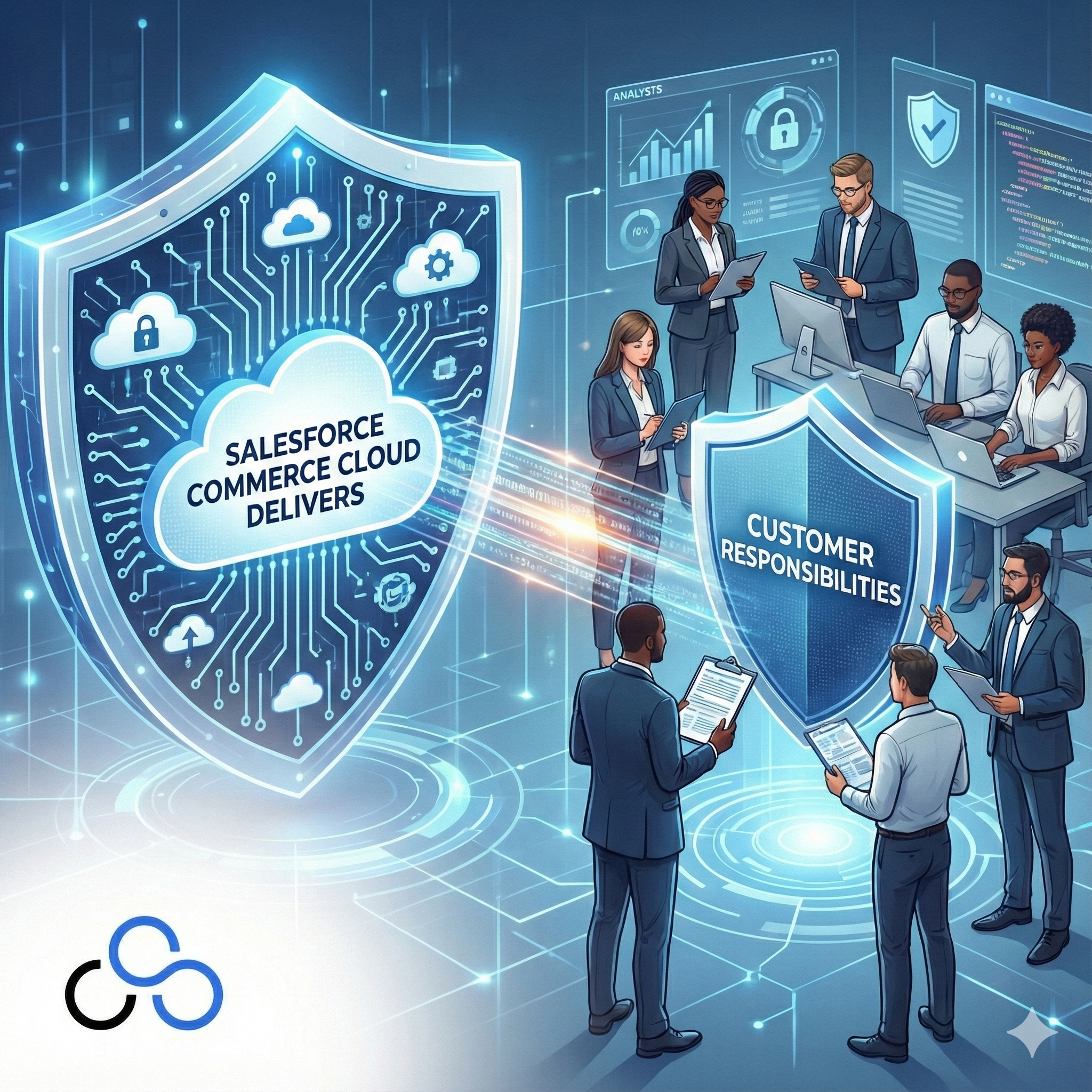
When businesses choose Salesforce Commerce Cloud for their e-commerce needs, they often assume security is completely handled by Salesforce. While Commerce Cloud does provide enterprise-grade security features, the reality is more nuanced. True security requires a partnership between Salesforce and its customers: each side has specific responsibilities that must work together to create a bulletproof defense.
At CLOUDSTREET, we’ve helped businesses across Houston, Texas, and globally understand this shared responsibility model. Too often, we see companies either over-rely on Salesforce’s built-in protections or overwhelm themselves trying to handle everything internally. The sweet spot lies in understanding exactly what each party brings to the table.
What Salesforce Commerce Cloud Delivers: 8 Core Security Features
Salesforce doesn’t leave you hanging when it comes to platform-level security. Here are the 8 major areas where Commerce Cloud has you covered:

1. Infrastructure-Level Protection
Salesforce operates Commerce Cloud from world-class data centers with multiple layers of physical and network security. This includes firewalls, intrusion detection systems, and 24/7 monitoring that most individual businesses could never afford to implement on their own.
2. Data Encryption at Rest and in Transit
All data moving between your customers and Commerce Cloud uses SSL/TLS encryption protocols. Customer information, payment details, and business data are encrypted both when stored and when transmitted, meeting industry standards for data protection.
3. PCI DSS Compliance for Payment Processing
Commerce Cloud handles the complex world of payment card industry compliance, ensuring that credit card processing meets PCI DSS requirements. This removes a massive compliance burden from your shoulders.
4. Salesforce Shield Integration
Advanced security tools like field-level encryption, event monitoring, and comprehensive audit trails come built-in. These tools help you track who accessed what data and when, which is crucial for regulatory compliance.
5. SFRA Security Headers
The Storefront Reference Architecture includes security headers that protect against common web vulnerabilities like cross-site scripting (XSS) and clickjacking attacks right out of the box.
6. Automated Security Updates
Salesforce continuously patches security vulnerabilities and pushes updates to the platform. You don’t need to worry about manually updating core system security: it happens automatically.
7. Compliance Framework Support
Built-in tools and documentation help you align with GDPR, CCPA, HIPAA, and other regulatory requirements. The platform provides the technical capabilities you need for compliance.
8. Origin Shielding
Commerce Cloud implements Origin Shielding for staging environments, ensuring that only legitimate traffic from the eCDN reaches your environment. This blocks potentially malicious direct access attempts.
What Customers Must Handle: 6 Critical Responsibilities
While Salesforce provides the foundation, customers have significant security responsibilities that can’t be outsourced. Here are the 6 key areas where you’re in the driver’s seat:
1. User Access Management and Authentication
You must enable Multi-Factor Authentication (MFA) for all Business Manager users: this isn’t optional in today’s threat landscape. Additionally, implementing Role-Based Access Control (RBAC) means carefully assigning permissions based on job functions and regularly auditing who has access to what.
2. Strong Password Policies and Account Security
Enforcing complex password requirements, preventing account sharing, and ensuring each team member has individual login credentials falls squarely on your team. Weak passwords remain one of the easiest ways for attackers to gain access.
3. Third-Party Integration Security
When you connect external applications, payment processors, or marketing tools to Commerce Cloud, you’re responsible for vetting these vendors. Poorly secured integrations can become backdoors into your system, even if Commerce Cloud itself is bulletproof.
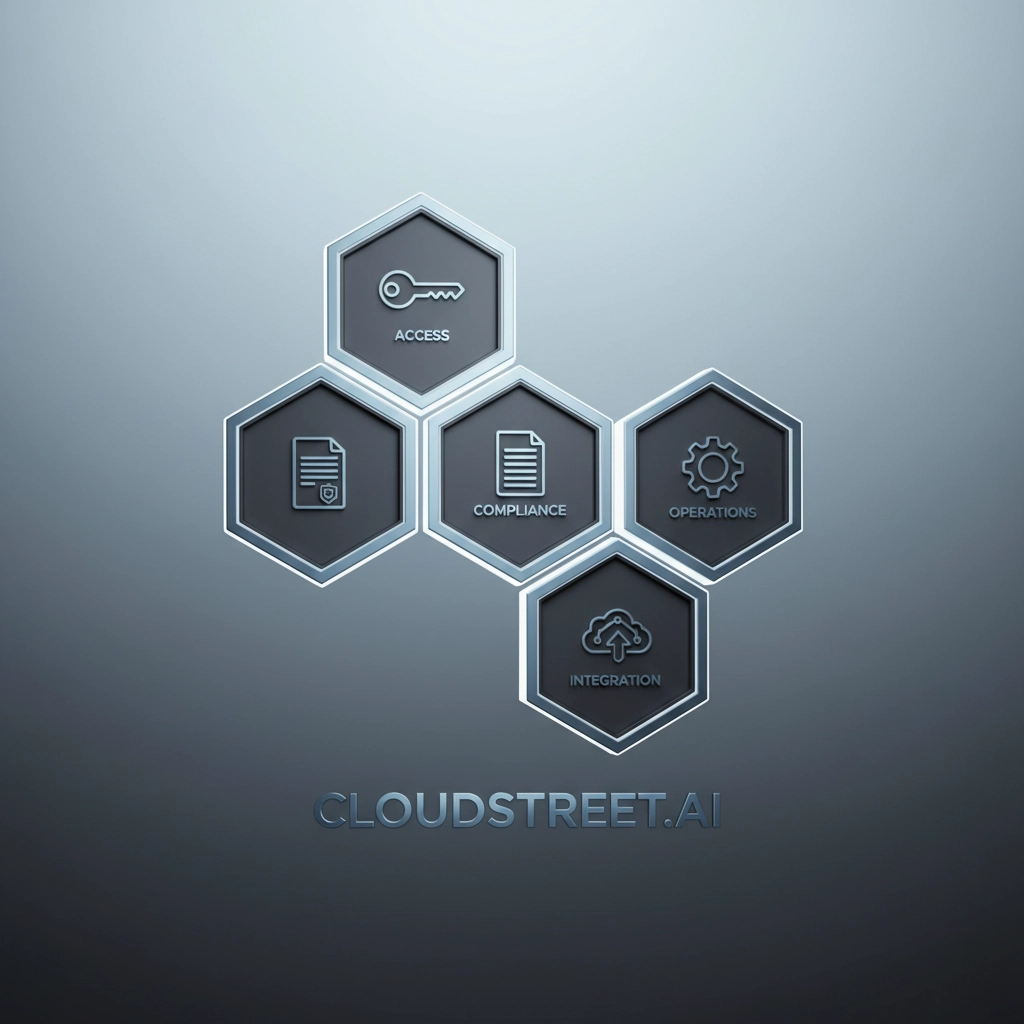
4. Regular Security Assessments and Monitoring
Conducting penetration testing, vulnerability scans, and security assessments of your specific storefront configuration is your responsibility. You need to actively monitor for suspicious activity and have incident response plans ready.
5. Secure File Uploads and Content Management
Any custom code, images, or files you upload to Commerce Cloud need to be secured on your end. Malicious file uploads can compromise your entire storefront if not properly managed.
6. API Security and Custom Development
If you’re building custom functionality or integrating APIs, secure coding practices are essential. This includes proper input validation, secure authentication handling, and protection against injection attacks.
Why This Partnership Model Actually Works Better
The shared responsibility model isn’t Salesforce trying to avoid accountability: it’s actually the most effective approach to e-commerce security. Here’s why:
Salesforce Expertise Where It Matters Most: Salesforce has teams of security professionals working full-time on infrastructure, compliance, and platform-level threats. They can respond to zero-day vulnerabilities and emerging attack patterns faster than any individual business could.
Customer Control Where It’s Needed: You know your business processes, user roles, and specific risk tolerance better than anyone else. You can configure access controls and monitor for the types of suspicious activity that matter to your particular industry.
Layered Defense Strategy: Multiple security layers are more effective than any single approach. When Salesforce handles infrastructure security and customers manage access controls, you get comprehensive protection that addresses both external attacks and insider threats.
Scalable Security: This model scales as your business grows. You don’t need to become a security expert overnight: you just need to focus on the areas you can directly control while leveraging Salesforce’s enterprise-grade foundation.
Getting the Balance Right
Many businesses struggle with finding the right balance. Some try to handle everything themselves and miss out on Commerce Cloud’s built-in protections. Others assume Salesforce handles everything and neglect their own responsibilities.
The key is understanding that both sides are essential. Salesforce provides the fortress walls, but you still need to lock the doors and control who gets the keys.
At CLOUDSTREET, we work with businesses throughout Houston and around the world to help them navigate this balance. We’ve seen companies get breached because they skipped MFA implementation, and we’ve seen others waste money on redundant security tools that duplicate what Commerce Cloud already provides.
Your Next Steps
If you’re evaluating Commerce Cloud or currently using it, take an honest assessment of your current security posture:
- Are all your users using MFA?
- Do you have proper role-based access controls in place?
- When did you last audit your third-party integrations?
- Are you actively monitoring for security incidents?
Don’t let security concerns keep you from leveraging Commerce Cloud’s powerful capabilities. With the right approach to shared responsibility, you can have both robust security and business agility.
Ready to ensure your Commerce Cloud implementation follows security best practices? Contact CLOUDSTREET today. Our team helps businesses in Houston and globally implement secure, scalable Commerce Cloud solutions that protect your data while driving growth. Let us help you get the partnership between you and Salesforce working perfectly.
Category
Discover insights that drive results - explore out latest blog posts now
Case Study: How Highland Cabinetry Colorado Built a Modern Wholesale Powerhouse on Salesforce B2B Commerce Cloud
In the world of high-end cabinetry, timing is everything. When [...]
Agentforce ROI: 7 Ways to Maximize Your Salesforce AI Investment
You've heard the buzz. Salesforce Agentforce is supposed to revolutionize [...]
Salesforce B2B Commerce Cloud Partner & Consultant Guide
You're about to drop serious money on a Salesforce B2B [...]
