
Unlocking Efficiency: Integrating Salesforce B2B Commerce with SAP for Seamless B2B Operations
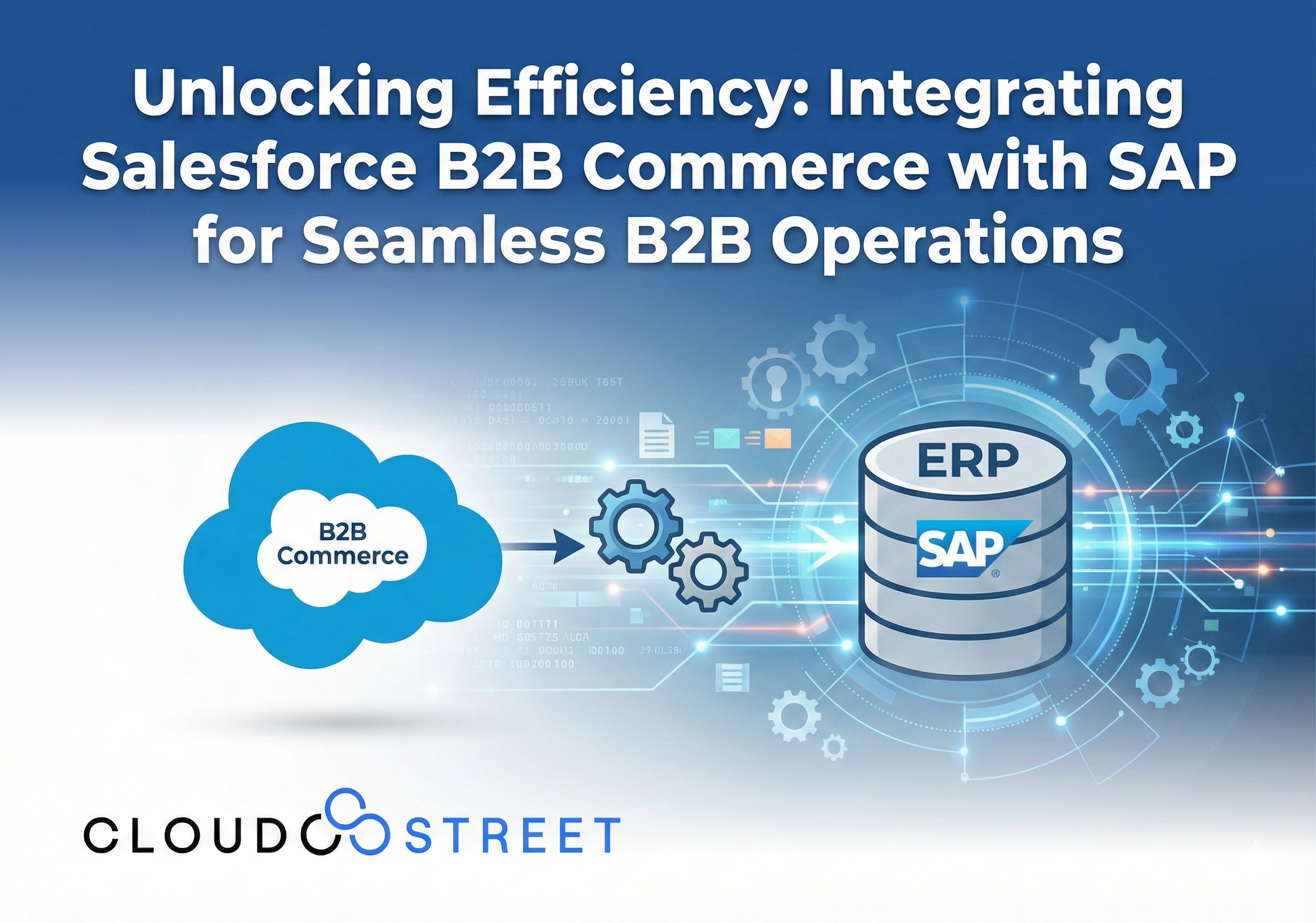
If your business runs on SAP but your B2B buyers are demanding modern, self-service digital experiences, you’re not alone. The gap between legacy ERP systems and contemporary commerce platforms keeps IT leaders up at night. The good news? Bridging Salesforce B2B Commerce and SAP isn’t just possible, it’s becoming the gold standard for enterprises serious about operational efficiency.
Here at CLOUDSTREET, based in Houston, Texas, we work with clients locally and across the globe to solve exactly this challenge. Let’s dig into how integrating Salesforce B2B Commerce with SAP can transform your B2B operations from clunky to seamless.
Why the Salesforce B2B Commerce SAP Integration Matters Now
B2B buyers have changed. They’ve experienced frictionless B2C shopping, and now they expect the same from their wholesale suppliers, distributors, and manufacturers. Yet most B2B organizations still wrestle with disconnected systems.
Your SAP ERP holds the crown jewels: real-time inventory, complex pricing rules, contract terms, credit limits, and order fulfillment logic. Meanwhile, Salesforce B2B Commerce delivers the sleek digital storefront your buyers crave. When these two systems don’t talk to each other? You get manual data entry, pricing errors, inventory mismatches, and frustrated customers.
Integrating Salesforce B2B Commerce with SAP creates a unified platform where data flows in real-time. No more copy-pasting between systems. No more “let me check on that and get back to you.” Just accurate, instant information, exactly what modern B2B buyers demand.

6 Key Benefits of Connecting Salesforce B2B Commerce with SAP
When done right, this integration delivers measurable wins across your organization. Here are the six benefits that matter most:
- Operational Efficiency at Scale
Eliminate data discrepancies and the headache of managing information across multiple platforms. Your teams spend less time on manual reconciliation and more time on strategic work. - Real-Time Inventory Accuracy
SAP monitors current stock levels and product availability. When integrated, your Salesforce B2B Commerce storefront displays accurate inventory, so customers never order something you can’t deliver. - Customer-Specific Pricing Without the Errors
Complex pricing logic, volume discounts, and contract-based rates live in SAP. Integration means your commerce platform pulls this data dynamically, reducing pricing errors that erode margins and trust. - Faster Order Processing
When customers submit orders, they flow directly into SAP with correct pricing rules, taxes, shipping calculations, and business logic applied automatically. Faster processing means happier customers. - Enhanced Self-Service Experience
Buyers can track order histories, view invoices, and check shipment status in real-time, all from the Salesforce B2B Commerce portal. Less back-and-forth with your sales team, more autonomy for your customers. - Single Source of Truth
A 360° view of customer data from one unified platform. Your sales, service, and operations teams all work from the same information, leading to better decisions and consistent customer experiences.
Ready to see how this works for your business? Explore how CLOUDSTREET delivers seamless Salesforce to SAP integrations across multiple industries.
How the Integration Actually Works
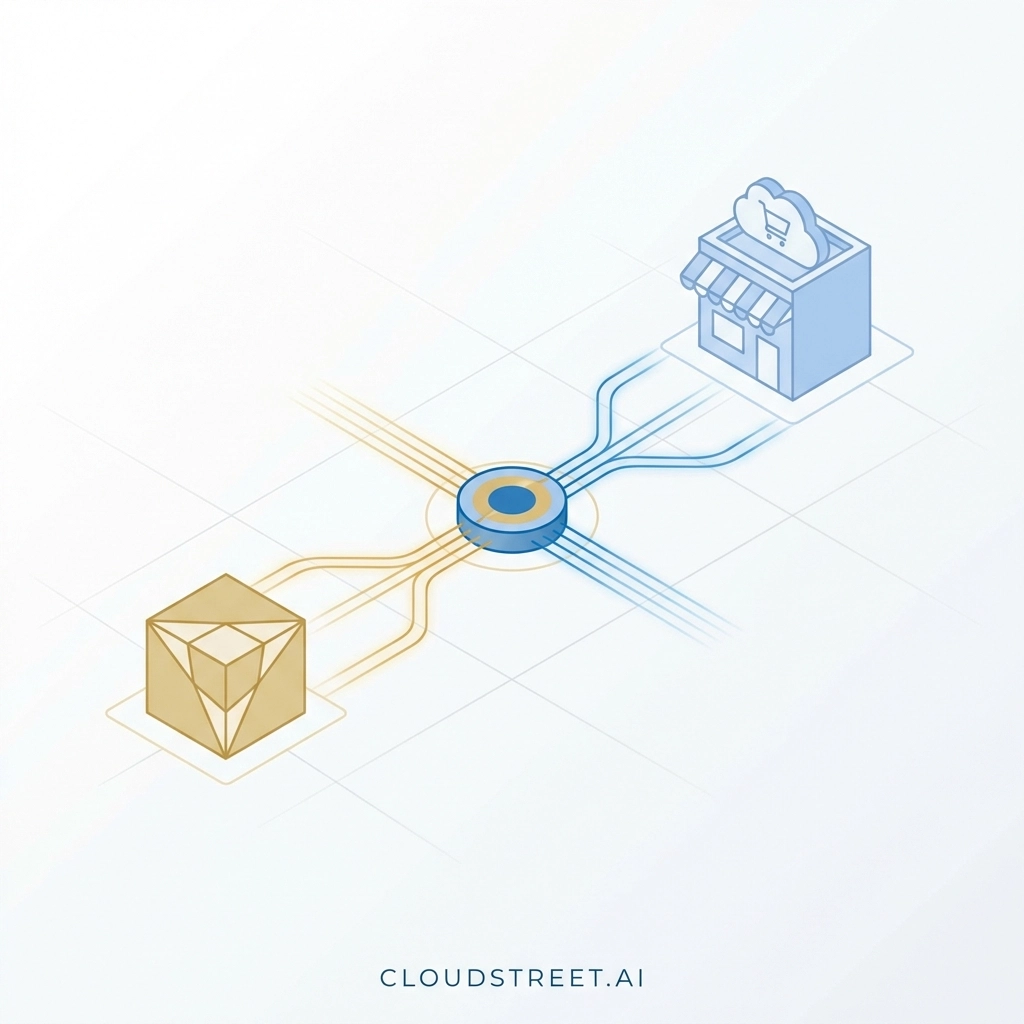
Let’s break down the technical architecture in plain terms. Understanding the data flow helps you plan a successful implementation.
The Data Synchronization Flow
Step 1: SAP Feeds Core Data to Salesforce
Your SAP ERP pushes product catalogs, inventory levels, customer-specific pricing, and contract terms to Salesforce B2B Commerce. This can happen in real-time or through scheduled batch updates, depending on your business requirements.
Step 2: Salesforce Displays Dynamic, Personalized Content
The B2B Commerce storefront uses this SAP data to show each logged-in buyer their specific pricing, available products, and accurate stock levels. No generic catalogs, everything is tailored.
Step 3: Orders Flow Back to SAP
When a buyer completes checkout, the order transmits to SAP for fulfillment processing. SAP applies its business logic (credit checks, shipping rules, tax calculations) and confirms the order.
Step 4: Status Updates Return to Salesforce
Order confirmations, shipment tracking, and invoice data flow back to the commerce platform, giving buyers real-time visibility without picking up the phone.
3 Integration Approaches to Consider
Not all integrations are built the same. Here are three common approaches:
- Middleware Platforms
Tools like MuleSoft, Dell Boomi, or Informatica act as the translation layer between Salesforce and SAP. They handle data mapping, transformation, and error management. This approach offers flexibility but requires configuration expertise. - Pre-Built Connectors
Solutions like Vigience Overcast or enosix Commerce provide pre-configured integrations that cover 80% of typical SAP integration requirements out-of-the-box. These dramatically shorten deployment timelines. - Custom API Development
For organizations with unique requirements, custom APIs provide maximum control. However, this approach demands more development resources and ongoing maintenance.
Not sure which approach fits your situation? Learn more about Salesforce B2B Commerce Cloud and Lightning capabilities to understand your options.
5 Implementation Best Practices for Success
Integration projects can go sideways fast without proper planning. Based on our experience helping clients from Houston to global enterprises, here are five best practices:
- Start with Data Mapping
Before writing a single line of code, document how data fields in SAP correspond to fields in Salesforce. Mismatched data mapping causes most integration headaches. - Prioritize Real-Time vs. Batch Processing
Not everything needs real-time sync. Inventory and pricing? Probably yes. Historical order archives? Batch processing overnight works fine. Be strategic about where you need speed. - Plan for Error Handling
What happens when SAP is temporarily unavailable? Build graceful error handling and notification systems so issues get caught and resolved quickly. - Invest in Change Management
Technology is only half the battle. Your sales, customer service, and operations teams need training on new workflows. Don’t skimp on this. - Test with Real Scenarios
Use actual customer accounts, real product catalogs, and genuine order scenarios during testing. Synthetic test data often misses edge cases that cause production problems.
Common Pitfalls to Avoid
Even well-planned integrations can stumble. Watch out for these frequent missteps:
- Underestimating Data Complexity: SAP’s pricing and product hierarchies are often more complex than they appear. Budget extra time for data transformation.
- Ignoring User Adoption: A beautiful integration means nothing if your team doesn’t use it. Include end-users in requirements gathering and testing.
- Skipping Performance Testing: High-volume order periods (end of quarter, seasonal spikes) stress integrations. Test under realistic load conditions.
- Neglecting Security and Compliance: Data flowing between systems must meet your industry’s regulatory requirements. Build security into the architecture from day one.
Real-World Impact: What Success Looks Like
Organizations that successfully integrate Salesforce B2B Commerce with SAP report tangible results:
- Consolidated operations across multiple offices and regions
- Streamlined order processing with fewer manual touchpoints
- Improved decision-making through real-time data and analytics
- Higher customer satisfaction from self-service capabilities and accurate information
One common outcome? Sales-assisted orders see conversion rates jump dramatically: some enterprises report conversion rates exceeding 70%: because sales reps have accurate, real-time data at their fingertips during customer conversations.
Curious about broader digital transformation strategies? Check out our insights on agentic commerce and the next leap in Salesforce AI to see where this technology is heading.
The Future: AI Agents Need This Foundation
Here’s the thing about AI in B2B commerce: you can’t deploy intelligent agents without a solid data foundation. If you want an AI agent to recommend products, negotiate pricing, or predict reorder timing, it needs unified, accurate data from both your ERP and CRM.
Integrating Salesforce B2B Commerce with SAP isn’t just about solving today’s problems. It’s about building the infrastructure for tomorrow’s AI-powered commerce experiences.
Key Takeaways
- Salesforce B2B Commerce SAP integration eliminates data silos and manual processes
- Real-time inventory, pricing, and order data improve accuracy and customer experience
- Multiple integration approaches exist: from pre-built connectors to custom APIs
- Success requires careful data mapping, error handling, and change management
- This integration creates the foundation for future AI-powered commerce capabilities
Let’s Talk About Your Integration
At CLOUDSTREET, we’ve helped organizations across manufacturing, distribution, and beyond connect Salesforce B2B Commerce with SAP. Whether you’re in Houston or halfway around the world, our team brings hands-on expertise to complex integration challenges.
Ready to unlock efficiency in your B2B operations? Contact CLOUDSTREET today to discuss your Salesforce B2B Commerce and SAP integration strategy. Let’s build something seamless together.
Category
Discover insights that drive results - explore out latest blog posts now
Case Study: How Highland Cabinetry Colorado Built a Modern Wholesale Powerhouse on Salesforce B2B Commerce Cloud
In the world of high-end cabinetry, timing is everything. When [...]
Agentforce ROI: 7 Ways to Maximize Your Salesforce AI Investment
You've heard the buzz. Salesforce Agentforce is supposed to revolutionize [...]
Salesforce B2B Commerce Cloud Partner & Consultant Guide
You're about to drop serious money on a Salesforce B2B [...]
