
Slack + Salesforce: The SMB Growth Hack You're Probably Missing
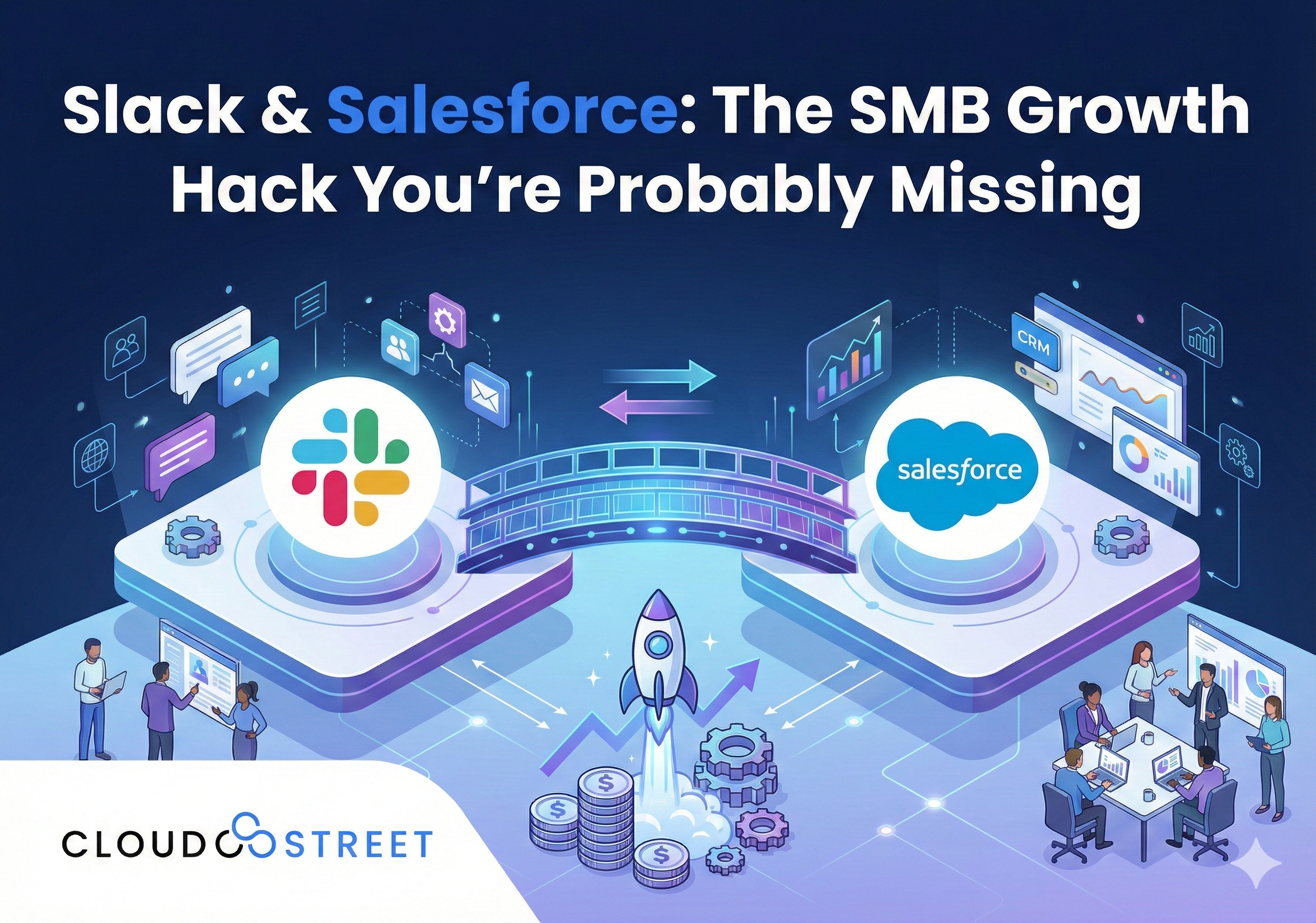
Let’s be honest. If your sales pipeline still lives in a spreadsheet, you’re leaving money on the table.
We get it. You’re a small business. Resources are tight. You’ve got a million things going on. That color-coded Google Sheet feels like it’s working just fine.
But here’s the thing: it’s not.
Every minute your team spends manually updating cells, chasing down approvals, or trying to remember which lead said what is a minute they’re not closing deals. And in the SMB world, time literally equals money.
The good news? There’s a fix. And it’s probably simpler than you think.
The Real Problem Nobody Talks About
Small businesses don’t fail because of bad products. They fail because of broken communication and messy processes.
Think about your typical day. Your sales rep gets a hot lead. They message someone on Slack about it. Then they log into Salesforce to update the record. Then they email their manager for approval. Then they wait. And wait. And wait some more.
Meanwhile, that hot lead went cold because your competitor responded faster.
Sound familiar?

The disconnect between where your team communicates (Slack) and where your customer data lives (Salesforce) is costing you deals. It’s that simple.
Ready to fix this? Talk to our Salesforce team about getting your systems connected the right way.
Why Slack + Salesforce Is the Combo You Need
When Slack and Salesforce actually talk to each other, magic happens. Your team stops context-switching. Information flows automatically. And deals close faster.
Here’s what that looks like in real life.
1. Real-Time Lead Alerts That Actually Work
New lead comes in? Your sales rep gets a Slack notification instantly. No more checking dashboards every hour. No more leads sitting untouched for days.
One SaaS company cut their sales cycle by 25% just by getting faster on lead response. That’s not a typo. Twenty-five percent.
2. Approvals in Minutes, Not Days
Need a discount approved? Need legal to sign off on contract terms? Instead of sending emails into the void, your approval requests pop up right in Slack. Managers can approve with a click. Done.
No more deals dying in someone’s inbox.
3. Sales and Service Finally on the Same Page
Ever had a customer call support about an issue while your sales rep is trying to upsell them? Awkward.
When Slack and Salesforce are connected, everyone sees the same customer picture. Support knows about pending deals. Sales knows about open tickets. No more stepping on each other’s toes.

4. Automatic Activity Logging
Your reps hate data entry. We all do. But you need that data to forecast and plan.
The integration handles this automatically. Customer interactions, deal updates, task completions: all logged without anyone lifting a finger. Your CRM stays accurate and your team stays focused on selling.
5. Smarter Decisions, Faster
Pipeline reviews don’t need to wait for the weekly meeting. Real-time deal alerts and automated reports land right in Slack. Sales leaders can spot issues and jump in before it’s too late.
When momentum matters, speed wins.
5 Real Benefits SMBs Are Seeing Right Now
Let’s put some numbers to this. Because “it works better” isn’t enough when you’re running a business.
- 30% faster response times – Leads get touched immediately instead of sitting in queue
- 25% shorter sales cycles – Deals move faster when communication flows freely
- 15% better conversion rates – Marketing can adjust campaigns in real-time based on what’s working
- Lower Salesforce costs – Team members can access CRM data through Slack without needing full licenses
- Happier customers – Support issues get resolved faster when everyone has context
That last one matters more than people think. Customer retention is way cheaper than acquisition. And quick, informed support is how you keep people coming back.
Want results like these? Let’s chat about your setup.
The “We’re Too Small for This” Myth
Here’s something we hear a lot from SMBs: “This sounds great, but we’re not big enough for all that.”
Wrong.
This integration isn’t enterprise-only anymore. It’s actually built for teams like yours. The whole point is to help small teams punch above their weight.
Think about it. You don’t have a dedicated IT department. You don’t have armies of sales reps. You need every advantage you can get.
When your five-person sales team operates like a fifteen-person team because their tools actually work together? That’s the growth hack.

What the Integration Actually Looks Like Day-to-Day
Let’s paint a picture.
9:00 AM – A lead fills out your contact form. Instantly, a notification drops into your #sales-leads Slack channel with all their info pulled from Salesforce.
9:02 AM – Your rep claims the lead with a quick emoji reaction. The Salesforce record updates automatically.
9:15 AM – After a discovery call, your rep types a quick summary in Slack. It syncs to the Salesforce activity log. No double entry.
10:30 AM – The lead wants a custom quote. Your rep requests approval in Slack. Manager approves in two minutes flat.
11:00 AM – Quote sent. Deal progressing.
2:00 PM – Same customer has a billing question. Support sees the open deal in their Slack sidebar and handles it with full context.
End of day – Leadership reviews the pipeline report that auto-posted to #sales-updates. No meeting needed.
That’s the difference. Not a single tab was opened to update a spreadsheet. Not a single email chain about “where does this deal stand?”
Getting Started Without the Headache
Here’s where most SMBs get stuck. They know the integration makes sense. They just don’t know where to start.
That’s exactly why we exist.
At CLOUDSTREET, we’re based in Houston, Texas, but we help businesses locally and globally get their Salesforce environments dialed in. We’ve seen what works and what doesn’t. We know the shortcuts. And we know how to set things up so they actually get used by your team.
Because the fanciest integration in the world is worthless if your people won’t adopt it.
Curious how this would work for your team? Reach out to us and let’s figure it out together.
3 Quick Wins to Start With
If you’re not ready for a full implementation, here are three places to start:
- Connect lead notifications – Just getting instant alerts in Slack when new leads come in can transform your response time overnight.
- Set up deal stage alerts – Get notified when deals move (or stall) so nothing falls through the cracks.
- Create a shared customer channel – Let sales and support collaborate on key accounts in one place with linked Salesforce records.
These aren’t complicated. But they’re high-impact. And they’ll show your team what’s possible before you go all-in.
If you’re already using Salesforce and thinking about optimizing your setup, you might also want to check out our thoughts on why a customized approach beats templates every time.
The Bottom Line
Small businesses don’t need more tools. They need their existing tools to actually work together.
Slack + Salesforce isn’t about adding complexity. It’s about removing friction. It’s about making sure your team spends their time on what matters: building relationships and closing deals: instead of wrestling with data entry and approval chains.
The businesses that figure this out now are the ones that scale. The ones that don’t? They’ll keep wondering why their bigger competitors always seem one step ahead.
You’ve already got Slack. You’ve probably got Salesforce (or you’re thinking about it). The integration is right there waiting.
Let’s make it happen. Connect with our Salesforce experts at CLOUDSTREET and see how fast things can move when your systems finally talk to each other.
Category
Discover insights that drive results - explore out latest blog posts now
Case Study: How Highland Cabinetry Colorado Built a Modern Wholesale Powerhouse on Salesforce B2B Commerce Cloud
In the world of high-end cabinetry, timing is everything. When [...]

Agentforce ROI: 7 Ways to Maximize Your Salesforce AI Investment
You've heard the buzz. Salesforce Agentforce is supposed to revolutionize [...]
Salesforce B2B Commerce Cloud Partner & Consultant Guide
You're about to drop serious money on a Salesforce B2B [...]
