
Rollup Helper with Salesforce: Complete Breakdown
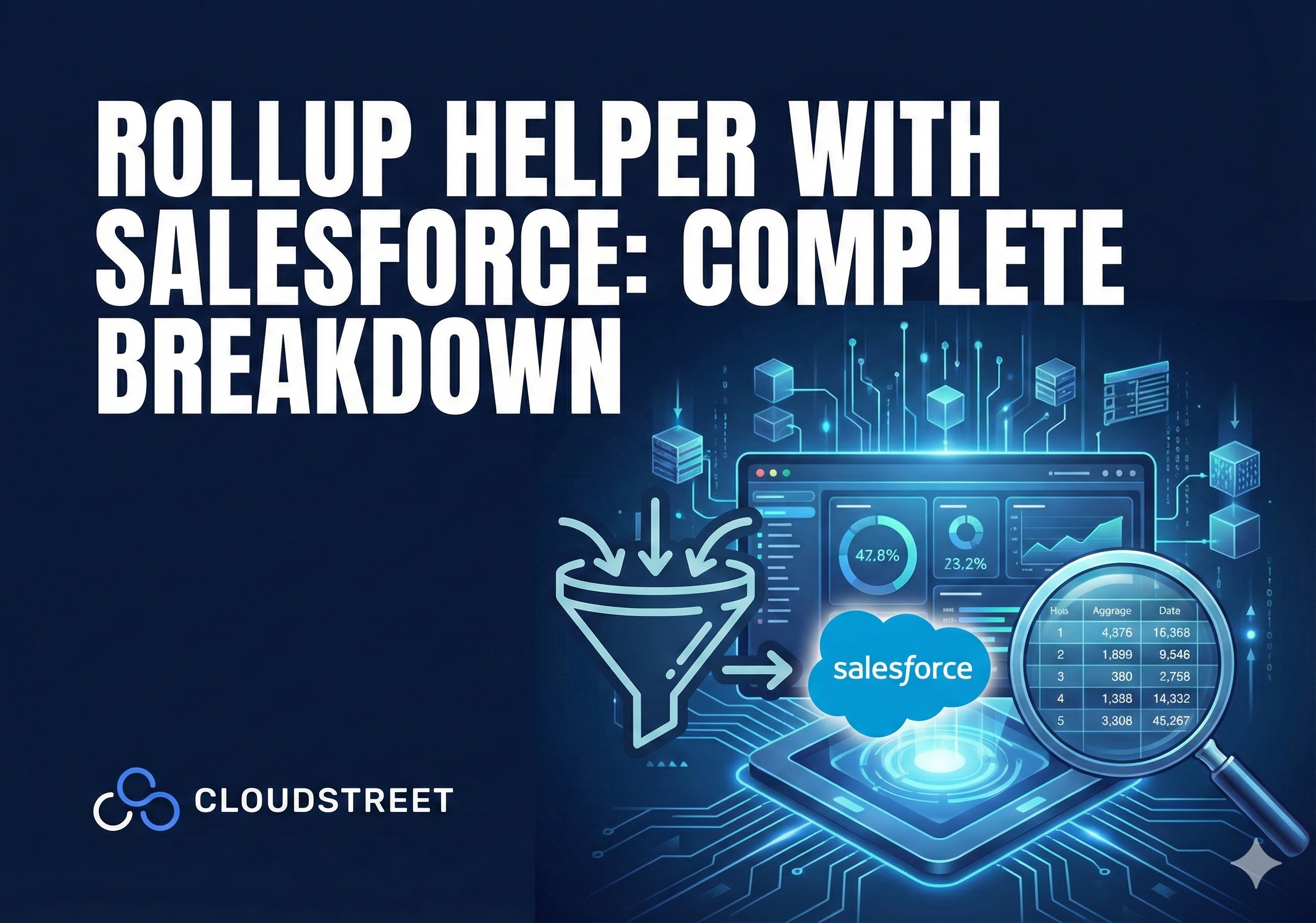
If you’ve ever found yourself frustrated with Salesforce’s native roll-up summary limitations, you’re not alone. Many organizations struggle with aggregating data across lookup relationships or custom objects: areas where standard Salesforce functionality falls short. That’s where Rollup Helper comes in, transforming how businesses handle data aggregation and reporting.
Rollup Helper is a powerful AppExchange application that enables Salesforce users to create custom roll-up fields without writing a single line of code. With over 30,000 installations and a 4.7-star rating, it’s become the go-to solution for organizations looking to unlock advanced data summarization capabilities.
What Makes Rollup Helper Essential for Your Salesforce Org

Unlike Salesforce’s native roll-up summary fields that only work with Master-Detail relationships, Rollup Helper breaks these barriers. It works seamlessly across lookup relationships, custom objects, and complex hierarchies: giving you the flexibility to aggregate data exactly how your business needs it.
At CLOUDSTREET, we’ve helped numerous organizations across Houston and globally implement Rollup Helper to streamline their data processes. The results speak for themselves: improved reporting accuracy, enhanced operational efficiency, and significant ROI through automated data aggregation.
Ready to transform your Salesforce data management? Contact our Salesforce experts for a personalized consultation on implementing Rollup Helper in your organization.
7 Key Features That Set Rollup Helper Apart
Let’s dive into the core capabilities that make Rollup Helper indispensable for medium and large Salesforce customers:
1. Multiple Aggregation Functions
Rollup Helper supports sum, count, average, minimum, and maximum calculations, giving you comprehensive options for data summarization across any relationship type.
2. Real-Time and Scheduled Updates
Choose between real-time data updates for immediate insights or scheduled roll-ups at specific intervals to balance performance with current information needs.
3. Cross-Object Roll-Ups
Work across standard objects, custom objects, and lookup relationships: functionality that’s simply unavailable with native Salesforce roll-up summaries.
4. Advanced Filtering Capabilities
Apply customizable filters to ensure only relevant data is included in your calculations, maintaining data accuracy and relevance.
5. Hierarchy Rollups
Enable data to roll up from child roll-up summary fields to parent accounts, perfect for complex organizational structures.
6. Health Check and Audit Features
Track and monitor roll-up changes with built-in health check capabilities, ensuring data integrity across your organization.
7. Intuitive Three-Step Setup
Create complex roll-ups in just three simple steps, making it accessible to admins and business analysts without technical expertise.
How Rollup Helper Actually Works

The implementation process is refreshingly straightforward. After installing from AppExchange, users access Rollup Helper through the App Launcher. The creation workflow involves selecting your destination object, choosing or creating a target field, specifying the source child object, defining the aggregation type, and optionally adding filter criteria.
This simplicity doesn’t come at the cost of power. Behind the scenes, Rollup Helper leverages Salesforce APIs and triggers to maintain data accuracy while providing the flexibility that native rollups can’t match.
Need help optimizing your Rollup Helper implementation? Our team at CLOUDSTREET specializes in Salesforce services and can ensure your rollups are configured for maximum efficiency and accuracy.
Real-World Use Cases: Where Rollup Helper Shines
Sales Performance Tracking
Automatically aggregate revenue figures, deal counts, and product quantities to track individual and team performance. Instead of manual calculations or complex reports, sales managers get real-time visibility into their pipeline metrics.
Customer Support Analytics
Roll up case data to the account level, providing instant visibility into open cases, resolution times, and customer satisfaction metrics. This enables proactive customer service and better resource allocation.
Project Management Optimization
Track task completion rates, project timelines, and resource utilization at both project and account levels. Project managers can spot bottlenecks before they become critical issues.
Financial Reporting Enhancement
Summarize invoice amounts, payment histories, and outstanding balances across customer accounts, streamlining financial reporting and collections processes.

Pricing and Edition Compatibility
Rollup Helper works across Group, Essentials, Professional, Enterprise, Unlimited, Force.com, Developer, and Performance editions. The Free Edition includes 3 active rollups that can run manually, scheduled, or in real-time: perfect for smaller organizations or proof-of-concept implementations.
Paid tiers (Starter and Premium) offer increased rollup limits and enhanced features like simplified grandchild rollups. For most medium to large organizations, the investment pays for itself quickly through improved operational efficiency and reduced manual data processing.
Implementation Best Practices from CLOUDSTREET’s Experience
Having implemented Rollup Helper across dozens of organizations from our Houston headquarters to clients worldwide, we’ve learned what separates successful deployments from problematic ones:
Start Small and Scale
Begin with 2-3 critical rollups before expanding. This allows your team to understand the tool’s capabilities and identify additional use cases organically.
Plan Your Data Architecture
Consider how rollups will impact your existing data structure and reporting. Sometimes slight modifications to your object relationships can dramatically improve rollup performance.
Monitor Performance Impact
While Rollup Helper is efficient, large-scale real-time rollups can impact system performance. Balance immediacy needs with system resources.
Train Your Team
Ensure your admins understand both the capabilities and limitations of Rollup Helper. This prevents configuration issues and maximizes adoption.
Interested in a seamless implementation? Our Salesforce specialists can handle the entire process, from planning to go-live support.
Limitations to Consider
No solution is perfect, and Rollup Helper has some constraints worth noting. The Free Edition caps rollups at 3 active configurations, which may limit smaller organizations wanting to test extensively. In Professional Edition and lower organizations, real-time features may be restricted due to Salesforce API limitations.
By default, triggers are available for Account, Contact, Event, and Task objects. Other standard and custom objects require trigger extension packages, which may involve additional costs for comprehensive implementations.
Getting Started: Your Next Steps

Rollup Helper’s 30,000+ installations and hundreds of five-star reviews speak to its reliability and effectiveness. The application provides comprehensive support through email, live chat, and knowledge articles, with priority response times available in paid tiers.
For organizations serious about data-driven decision making, Rollup Helper represents a strategic investment in operational efficiency. The time savings alone: eliminating manual data aggregation and complex report building: often justify the cost within the first quarter of implementation.
Ready to unlock the full potential of your Salesforce data? CLOUDSTREET’s expert team can assess your current data architecture, recommend the optimal Rollup Helper configuration, and ensure a smooth implementation process. From our Houston offices, we’ve helped organizations worldwide transform their Salesforce capabilities.
Contact us today to schedule your Rollup Helper consultation and take the first step toward automated, accurate, and actionable data aggregation in your Salesforce org.
Category
Discover insights that drive results - explore out latest blog posts now
Case Study: How Highland Cabinetry Colorado Built a Modern Wholesale Powerhouse on Salesforce B2B Commerce Cloud
In the world of high-end cabinetry, timing is everything. When [...]
Agentforce ROI: 7 Ways to Maximize Your Salesforce AI Investment
You've heard the buzz. Salesforce Agentforce is supposed to revolutionize [...]

Salesforce B2B Commerce Cloud Partner & Consultant Guide
You're about to drop serious money on a Salesforce B2B [...]
