
NetSuite Integration with Salesforce – Unifying CRM and ERP for End-to-End Business Visibility
Running a growing business with disconnected systems feels like trying to steer a ship with half your navigation instruments broken. Your sales team lives in Salesforce, your operations team swears by NetSuite, and somehow you’re supposed to make sense of it all. Sound familiar?
If you’re tired of playing data detective between your CRM and ERP systems, you’re not alone. At CLOUDSTREET, we work with businesses from our Houston headquarters to companies globally who face this exact challenge every day.
Here’s the good news: integrating NetSuite with Salesforce isn’t just possible: it’s transformative.
What Exactly Is NetSuite-Salesforce Integration?
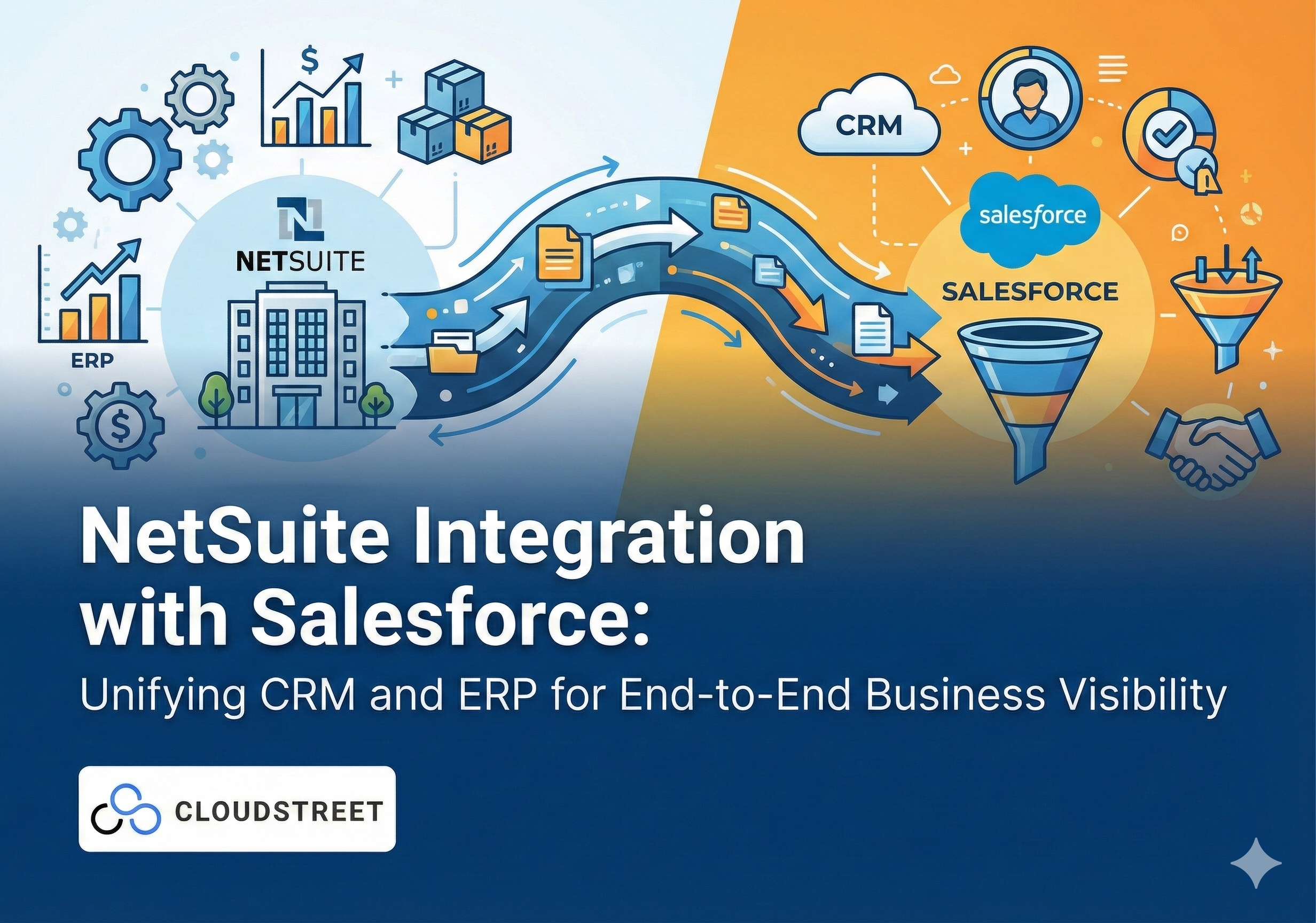
Think of NetSuite-Salesforce integration as building a bridge between two essential parts of your business. Your CRM (Salesforce) handles customer relationships, sales processes, and marketing. Your ERP (NetSuite) manages finances, inventory, order fulfillment, and operations.
When these systems talk to each other seamlessly, magic happens. Customer data flows both ways, sales orders trigger fulfillment processes automatically, and your finance team stops hunting down deal information from sales reps.
Ready to stop the data chaos? Let’s explore how CLOUDSTREET can streamline your business systems with proven integration expertise.

5 Game-Changing Benefits of NetSuite-Salesforce Integration
1. Real-Time Visibility Across Your Entire Business
Gone are the days of “let me check with operations” or “I’ll need to pull that from the finance system.” With proper integration, your sales team sees live inventory levels while creating quotes. Your operations team knows deal values and close dates without chasing down sales reps. Everyone works from the same real-time data.
2. Streamlined Order-to-Cash Process
From the moment a deal closes in Salesforce, the entire fulfillment machine kicks into gear automatically. Order details flow instantly to NetSuite, inventory updates happen in real-time, and invoicing begins without manual handoffs. Your cash flow improves, and customers get faster service.
3. Elimination of Double Data Entry
Your team stops wasting hours copying information between systems. Customer updates, order modifications, and payment status sync automatically. This isn’t just about saving time: it’s about reducing the errors that come with manual data entry.
4. Enhanced Customer Experience
When your customer calls with a question about their order, any team member can pull up complete information instantly. Order status, payment history, support tickets: it’s all connected. Your customers notice the difference.
5. Better Decision-Making with Complete Data
Strategic decisions become easier when you’re not working with fragmented information. Sales forecasting incorporates actual inventory levels. Financial planning includes real sales pipeline data. Everyone makes decisions based on the complete picture.
For businesses looking to maximize their B2B sales potential, understanding the synergy between Salesforce Commerce Cloud and NetSuite ERP becomes even more critical.
How NetSuite-Salesforce Integration Actually Works
The technical magic happens through bidirectional data synchronization. Here’s what flows between your systems:
From Salesforce to NetSuite:
- Customer information and updates
- Sales orders and contract details
- Opportunity data and forecasting information
- Product and pricing requests
From NetSuite to Salesforce:
- Real-time inventory levels
- Order fulfillment status
- Invoicing and payment information
- Financial data for reporting
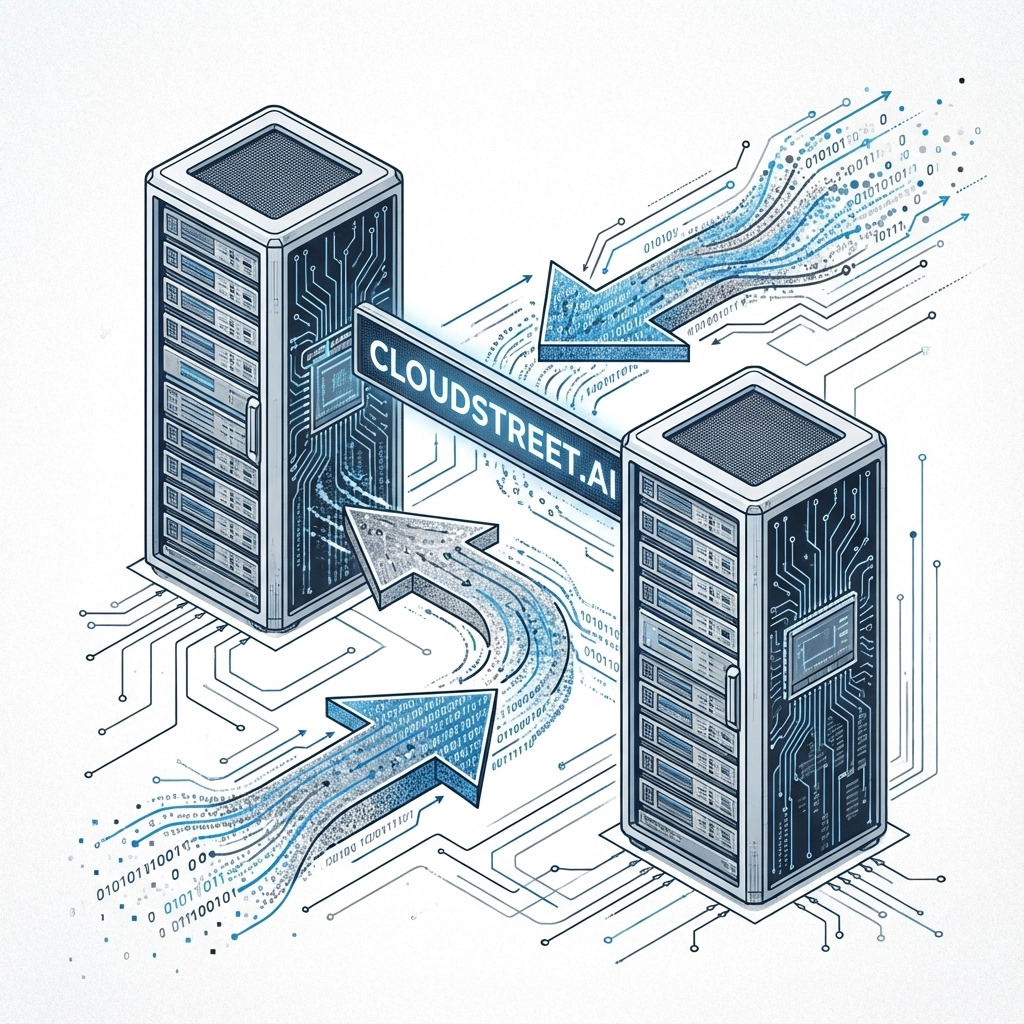
This sync can happen in real-time or on scheduled intervals, depending on your business needs. The key is ensuring data integrity and maintaining a single source of truth across both systems.
4 Real-World Scenarios Where Integration Shines
1. Manufacturing and Distribution
A Houston-based industrial distributor we work with used to struggle with sales reps promising delivery dates without knowing actual inventory levels. Now their Salesforce quotes pull live NetSuite inventory data, preventing overselling and improving customer satisfaction.
2. Professional Services
Service companies benefit enormously from synced billing cycles. Project details captured in Salesforce automatically trigger billing processes in NetSuite, ensuring no revenue falls through the cracks.
3. Subscription Businesses
Recurring billing becomes seamless when renewal information flows from Salesforce opportunities directly into NetSuite’s subscription management features.
4. E-commerce Operations
Online orders flow instantly from web stores through Salesforce and into NetSuite fulfillment, while inventory updates prevent overselling across all channels.
Seeing your business in these scenarios? Reach out to discuss your specific integration needs with our experienced team.
3 Critical Implementation Considerations
1. Data Mapping and Field Alignment
Not every field in Salesforce has a direct equivalent in NetSuite. Successful integration requires careful mapping of data structures and sometimes custom field creation to ensure information flows correctly.
2. Business Process Documentation
Before connecting systems, document your current processes. How do quotes become orders? When does billing start? Understanding these workflows ensures your integration supports actual business operations.
3. User Training and Change Management
Even the best integration fails if your team doesn’t adopt it properly. Plan for training sessions and gradual rollouts to help everyone understand how the new connected processes work.

Common Integration Challenges (And How to Avoid Them)
Data Quality Issues: Clean your data before integration. Duplicate records and inconsistent formatting cause problems that multiply across connected systems.
Over-Complication: Start with essential data flows and add complexity gradually. You don’t need to sync everything on day one.
Insufficient Testing: Test integration scenarios thoroughly before going live. The cost of fixing problems after deployment far exceeds proper testing time.
Lack of Governance: Establish clear ownership of data management and integration maintenance. Someone needs to be responsible for keeping things running smoothly.
The ROI Reality: What to Expect
Most businesses see measurable benefits within 3-6 months of proper NetSuite-Salesforce integration:
- 20-30% reduction in order processing time
- Significant decrease in data entry errors
- Improved cash flow from faster invoicing
- Better customer satisfaction scores
- Enhanced team productivity across departments
For companies staying current with platform updates, understanding Salesforce Winter 2025 release notes can help maximize integration benefits.
Why Choose CLOUDSTREET for Your Integration Project
Based in Houston with clients spanning the globe, CLOUDSTREET brings deep expertise in both Salesforce and NetSuite platforms. We understand that every business has unique requirements, and cookie-cutter approaches don’t work.
Our team focuses on practical solutions that deliver real business value. We don’t just connect your systems: we optimize your entire process flow to maximize efficiency and ROI.
Ready to transform how your business operates? Schedule a consultation to discuss your specific integration needs.
Moving Forward with Confidence
NetSuite-Salesforce integration isn’t just about connecting two software systems: it’s about creating a unified business platform that grows with your company. When done right, integration eliminates silos, improves efficiency, and provides the visibility needed for strategic decision-making.
The question isn’t whether you should integrate these critical systems. The question is how quickly you can start realizing the benefits of unified data and streamlined processes.
Contact CLOUDSTREET today to begin your journey toward complete business visibility and operational efficiency. Your team: and your customers( will thank you.)
Category
Discover insights that drive results - explore out latest blog posts now
Case Study: How Highland Cabinetry Colorado Built a Modern Wholesale Powerhouse on Salesforce B2B Commerce Cloud
In the world of high-end cabinetry, timing is everything. When [...]
Agentforce ROI: 7 Ways to Maximize Your Salesforce AI Investment
You've heard the buzz. Salesforce Agentforce is supposed to revolutionize [...]
Salesforce B2B Commerce Cloud Partner & Consultant Guide
You're about to drop serious money on a Salesforce B2B [...]
