
Microsoft Dynamics with Salesforce Integration Guide: Bringing Your Data Together for Smarter Growth
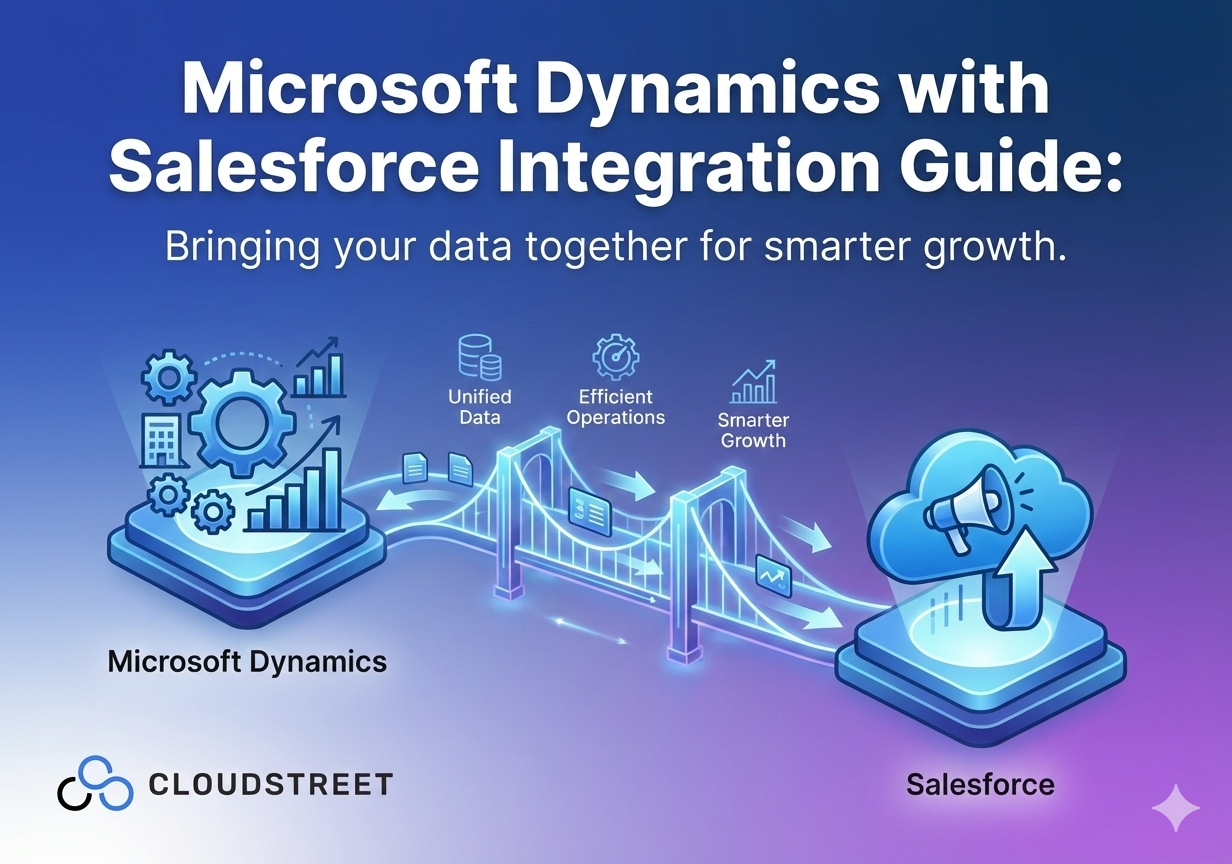
Running two powerful CRM systems like Microsoft Dynamics and Salesforce can feel like managing two separate worlds. Your sales team loves Salesforce’s intuitive interface, while your operations crew swears by Dynamics’ robust ERP capabilities. The problem? Your data is living in silos, and your teams are working with incomplete information.
Here’s the good news: integrating Microsoft Dynamics with Salesforce isn’t just possible: it’s transformative. When done right, this integration creates a unified ecosystem where customer data flows seamlessly between systems, eliminating duplicate entries and giving your teams the complete picture they need to close deals and serve customers better.
At Cloudstreet, we’ve helped dozens of organizations across Houston, Texas and globally bridge the gap between these two powerful platforms. Let’s walk through exactly how to make this integration work for your business.
Why Integrate Microsoft Dynamics with Salesforce?
Before diving into the technical details, let’s talk about what this integration actually does for your business. When you connect Dynamics and Salesforce properly, you’re not just linking two software systems: you’re creating a data powerhouse that drives smarter decisions.
1. Unified Customer View: Your sales reps can see the complete customer journey, from initial marketing touchpoints in Salesforce to fulfillment details in Dynamics.
2. Eliminated Data Silos: No more asking “Is this customer information up to date?” Both systems stay synchronized automatically.
3. Improved Team Collaboration: Marketing, sales, and operations teams work with the same real-time data, reducing confusion and improving customer experiences.
4. Faster Decision Making: With complete data flowing between systems, your teams can respond to opportunities and issues much faster.
Ready to transform how your teams work together? Our Salesforce services team can help you design and implement the perfect integration for your unique business needs.

4 Integration Methods to Consider
Not every business needs the same type of integration. Here are the four main approaches, from simple to sophisticated:
1. Point-to-Point Integration
This direct connection works well for straightforward data transfers like syncing contacts and accounts. It’s perfect for smaller organizations that need basic synchronization without complex workflows.
2. Third-Party Integration Platforms
Tools like KingswaySoft, Zapier, or Microsoft Power Automate offer pre-built templates that get you up and running quickly. These platforms handle the heavy lifting of data mapping and synchronization, making them ideal for businesses that want integration without extensive technical resources.
3. API-Based Custom Integration
For enterprises with complex requirements, custom API integrations offer complete control. This approach allows for real-time bidirectional sync, advanced automation, and custom business logic.
4. Enterprise Service Bus (ESB)
Large organizations often benefit from an ESB approach, where multiple systems connect through a central hub. This method scales well when you’re integrating more than just Dynamics and Salesforce.
Wondering which approach fits your business best? Let’s chat about your specific needs and design an integration strategy that actually works for your teams.
Prerequisites: What You’ll Need Before Starting
Before jumping into the technical setup, make sure you have these 7 essentials in place:
1. Administrative Access: You’ll need admin privileges in both Dynamics 365 and Salesforce to configure the integration properly.
2. API Credentials: Both systems require proper API access: this usually means generating client IDs, secrets, and authentication tokens.
3. Clear Data Mapping Strategy: Decide which fields need to sync between systems and in which directions. Common examples include customer names, contact information, opportunity details, and product data.
4. Compliance Review: Especially important for larger organizations: ensure your integration meets data privacy requirements like GDPR or industry-specific regulations.
5. Backup Strategy: Always backup your data before starting any integration project. Trust us on this one.
6. Testing Environment: Set up sandbox or development environments in both systems to test your integration before going live.
7. Project Timeline: Plan for 2-4 weeks for a basic integration, longer for complex custom solutions.
Our experienced integration team has streamlined this process for businesses throughout Texas and beyond. Contact us to discuss your specific requirements and timeline.

Step-by-Step Integration Process: 8 Essential Steps
Let’s walk through the actual integration setup. This process works whether you’re using third-party tools or building a custom solution:
Step 1: Define Your Integration Scope
Start by documenting exactly what data needs to flow between systems. Common integration points include:
- Customer and account information
- Sales opportunities and deals
- Marketing campaign data
- Support tickets and service cases
- Product catalogs
Step 2: Set Up Dynamics 365 API Access
Navigate to the Azure portal and register a new application. Generate your client ID and client secret: you’ll need these for authentication. Configure the necessary permissions for the Dynamics modules you want to integrate.
Step 3: Configure Salesforce API Settings
In Salesforce Setup, create a connected app with OAuth settings. Note your consumer key and secret, and set up proper security policies for API access.
Step 4: Map Your Data Fields
This is where the magic happens. Create a detailed mapping document showing how fields in Dynamics correspond to fields in Salesforce. Pay special attention to:
- Data types (text, numbers, dates)
- Field lengths and validation rules
- Picklist values and their mappings
- Required vs. optional fields
Step 5: Set Up Data Synchronization Rules
Configure how often data syncs between systems. Options include:
- Real-time sync (immediate updates)
- Scheduled sync (hourly, daily, etc.)
- Manual sync (triggered by users)
- Event-based sync (triggered by specific actions)
Step 6: Configure Error Handling
Set up proper error logging and notification systems. When sync fails (and it will occasionally), you need to know immediately and have clear information about what went wrong.
Step 7: Test Everything Thoroughly
Start with small test datasets and gradually increase complexity. Test scenarios should include:
- Creating new records in both systems
- Updating existing records
- Deleting records
- Handling duplicate entries
- Managing data conflicts
Step 8: Deploy and Monitor
After successful testing, deploy to production with careful monitoring. Set up dashboards to track sync performance, error rates, and data quality metrics.
Need help navigating this technical process? Our Salesforce experts have integrated hundreds of systems and can guide you through each step.

Real-Time Data Synchronization: Making It Work
One of the biggest advantages of proper Dynamics-Salesforce integration is real-time data flow. When your sales rep updates an opportunity in Salesforce, that information should immediately reflect in Dynamics for your fulfillment team.
Here’s how to achieve reliable real-time sync:
Use Webhooks for Instant Updates: Both Salesforce and Dynamics support webhook notifications that trigger immediate data transfers when records change.
Implement Proper Queue Management: For high-volume integrations, use message queues to handle sync requests without overwhelming either system.
Set Up Conflict Resolution: When the same record gets updated simultaneously in both systems, you need clear rules about which version wins.
Monitor Performance: Real-time sync requires robust monitoring to ensure data flows smoothly without impacting system performance.
Best Practices for Long-Term Success
After working with businesses across various industries, we’ve identified 6 key practices that ensure integration success:
1. Start Simple, Scale Gradually: Begin with basic contact and account sync, then add more complex data flows as your team gets comfortable with the integration.
2. Maintain Data Quality Standards: Establish clear data entry rules and validation processes in both systems to prevent sync errors.
3. Regular Monitoring and Maintenance: Schedule monthly reviews of sync performance, error logs, and data quality metrics.
4. User Training: Ensure your teams understand how the integration affects their daily workflows and know how to handle common issues.
5. Documentation: Keep detailed documentation of field mappings, sync rules, and troubleshooting procedures.
6. Regular Updates: Both Salesforce and Dynamics release frequent updates that can affect integrations. Plan for regular review and updates of your integration.

Measuring Integration Success
How do you know if your integration is actually delivering business value? Track these key metrics:
- Data Accuracy: Percentage of records that sync correctly without errors
- Sync Performance: Average time for data to flow between systems
- User Adoption: How actively your teams use the integrated data
- Error Rate: Frequency of sync failures and data conflicts
- Business Impact: Improved sales cycle times, customer satisfaction scores, or operational efficiency
Troubleshooting Common Integration Issues
Even well-designed integrations occasionally run into problems. Here are the most common issues and how to address them:
Sync Delays: Usually caused by API rate limits or network connectivity issues. Implement retry logic and queue management to handle these smoothly.
Data Conflicts: When the same record gets updated in both systems simultaneously, establish clear precedence rules and conflict resolution procedures.
Authentication Failures: API credentials expire or change. Set up automated credential refresh and monitoring to catch these early.
Field Mapping Errors: Business requirements change, and field mappings need updates. Maintain flexible mapping configurations that can adapt to changing needs.
The Bottom Line: Integration That Actually Works
Microsoft Dynamics and Salesforce integration isn’t just about connecting two systems: it’s about empowering your teams with complete, accurate, real-time customer information. When done correctly, this integration eliminates data silos, improves team collaboration, and drives better business outcomes.
Whether you’re a growing company in Houston or an enterprise with global operations, the right integration strategy can transform how your organization manages customer relationships and drives growth.
Ready to bring your Dynamics and Salesforce data together? Our team at Cloudstreet has the expertise and experience to design, implement, and maintain the perfect integration for your business. Get in touch with our Salesforce specialists today and let’s discuss how we can help you unlock the full potential of your CRM systems.
Your customer data deserves better than living in silos. Let’s fix that.
Category
Discover insights that drive results - explore out latest blog posts now

Case Study: How Highland Cabinetry Colorado Built a Modern Wholesale Powerhouse on Salesforce B2B Commerce Cloud
In the world of high-end cabinetry, timing is everything. When [...]
Agentforce ROI: 7 Ways to Maximize Your Salesforce AI Investment
You've heard the buzz. Salesforce Agentforce is supposed to revolutionize [...]

Salesforce B2B Commerce Cloud Partner & Consultant Guide
You're about to drop serious money on a Salesforce B2B [...]
