
Intercom with Salesforce Integration – Complete Guide
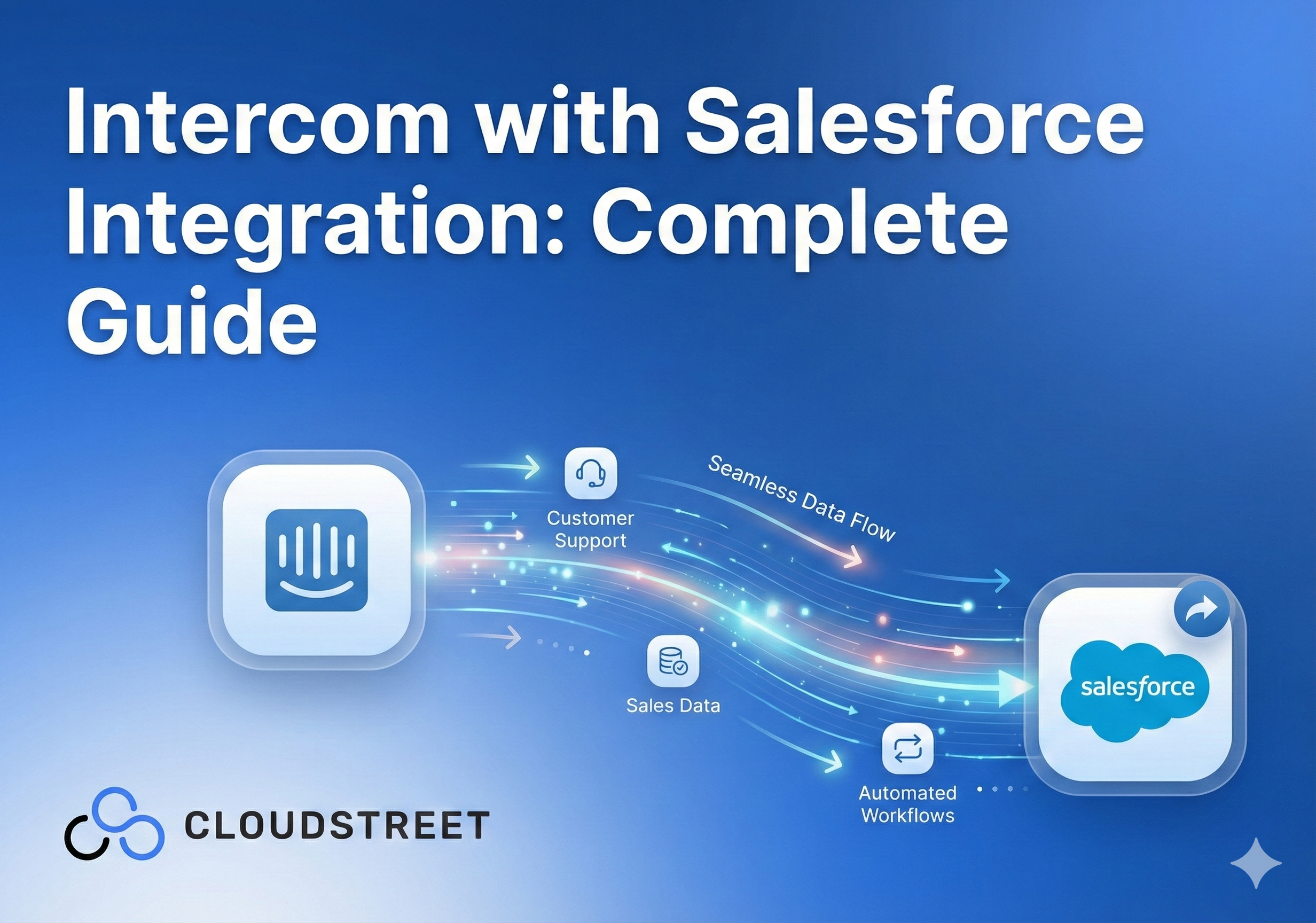
Customer support and sales teams often work in silos, missing valuable opportunities to turn support interactions into revenue. If you’re using Intercom for customer messaging and Salesforce for CRM, integrating these platforms can transform how your business handles customer relationships.
At CLOUDSTREET, we’ve helped businesses across Houston and globally connect their support conversations directly to their sales pipelines. Here’s your complete guide to making Intercom and Salesforce work together seamlessly.
Why Integrate Intercom with Salesforce?
When support conversations happen in isolation from your CRM data, you’re essentially flying blind. Your support team might be talking to a high-value prospect without knowing it, while your sales team lacks context about customer pain points discussed in support chats.
The Intercom-Salesforce integration creates a two-way connection that:
- Automatically syncs customer data between platforms
- Converts support conversations into qualified leads
- Provides sales context directly in your support interface
- Eliminates duplicate data entry
5 Essential Steps to Install and Configure the Integration
Getting started with Intercom-Salesforce integration requires careful planning, but the setup process is straightforward when you follow these steps:
1. Verify Your Permissions and Prerequisites
Before diving in, ensure you have full admin permissions on both platforms. You’ll need:
- Salesforce admin access to authorize the connection
- Intercom admin rights to install the app
- Clear understanding of your data mapping strategy
2. Install the Salesforce App from Intercom
Navigate to the Intercom App Store and search for the official Salesforce app. Click “Install now” to add it to your workspace. When prompted, authorize Salesforce access to your Intercom data and log into your Salesforce account.
The initial connection establishes the foundation for real-time data syncing between platforms.
3. Configure Your Data Mapping Strategy
This step determines how customer records connect between systems. You have two primary mapping options:
- Unique identifier mapping (recommended): Uses Intercom’s User ID for precise matching
- Email address mapping: Matches records based on email addresses
Choose unique identifier mapping when possible: it’s more reliable and handles edge cases better.

4. Set Up Field Synchronization
Define which customer data fields sync between platforms and in which direction. You can configure:
- One-way sync (Intercom to Salesforce or vice versa)
- Two-way sync for select fields
- Custom field mappings for specialized data
5. Test Your Configuration
Before going live, test the integration with sample data. Create a test conversation in Intercom and verify that data appears correctly in Salesforce. This prevents data quality issues down the line.
Need help with complex field mapping or custom configurations? Our Salesforce experts specialize in integration setups that actually work for your business processes.
6 Powerful Features That Transform Customer Management
Once configured, the integration unlocks several features that bridge the gap between support and sales:
1. Automatic Lead Creation
Convert support conversations into qualified leads with a single click. When a prospect reaches out through Intercom, you can instantly create a Salesforce lead with conversation context, eliminating manual data entry.
2. Real-Time Data Visibility
A Salesforce sidebar appears in your Intercom inbox, displaying key customer information like:
- Lead status and account ownership
- Previous purchase history
- Current opportunities in the pipeline
- Contact details and preferences
3. Case Management Integration
Escalate support conversations to Salesforce cases automatically or manually. This creates a complete timeline of customer interactions that your sales team can reference.
4. Task Logging and Activity Tracking
Support interactions automatically log as completed tasks in Salesforce, creating a comprehensive activity timeline. This gives sales reps context about customer touchpoints and concerns.
5. Automated Lead Routing
Route conversations based on Salesforce data like account ownership or lead status. High-value prospects get connected to senior team members automatically.
6. Targeted Nurture Campaigns
Use Salesforce data to trigger personalized follow-up sequences in Intercom. Support conversations become entry points for sophisticated nurture workflows.
Automation Strategies That Drive ROI
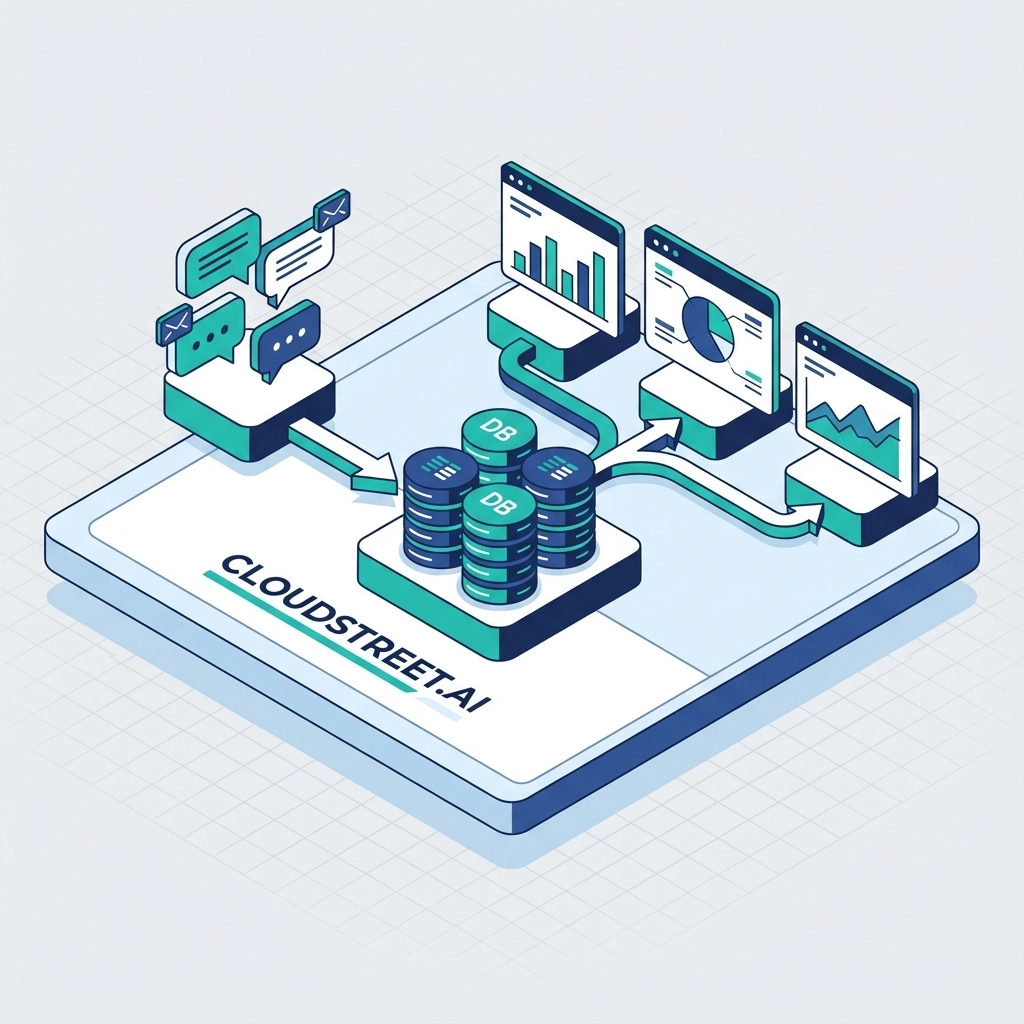
The real power of integration comes from automation. Here are proven workflows our clients use:
Prospect Identification Workflow: When unknown visitors start conversations, automatically check if they match existing Salesforce records. If they do, surface account context immediately.
Lead Qualification Pipeline: Set up progressive profiling that asks targeted questions based on Salesforce data. New prospects get qualification questions, while existing customers skip to issue resolution.
Escalation Triggers: Automatically create high-priority cases when conversations involve enterprise accounts or mention specific keywords like “cancellation” or “competitor.”
Smart automation reduces response times and ensures no high-value interactions slip through the cracks.
Data Synchronization: What Happens When
Understanding sync timing helps you set proper expectations:
- Intercom to Salesforce: Updates sync in real-time when changes occur
- Salesforce to Intercom: Checks for changes every 5 minutes
- New record creation: Immediate mapping establishment with full data transfer
This timing means support reps see updated customer information quickly, while sales teams get immediate notifications about new conversations.
4 Common Integration Challenges and Solutions
Even well-planned integrations can hit snags. Here’s how to avoid the most common issues:
1. Field Mapping Conflicts
Problem: Custom fields don’t sync properly or create duplicate records.
Solution: Audit both systems’ field structures before mapping. Create a detailed mapping document and test with sample data.
2. Permission and Security Issues
Problem: Integration breaks when user permissions change.
Solution: Set up dedicated integration users with stable permission sets. Document access requirements for future admin reference.
3. Data Quality Problems
Problem: Poor data in one system propagates to the other.
Solution: Implement data validation rules before sync. Clean existing data before integration launch.
4. Workflow Complexity
Problem: Overly complex automation creates confusion and errors.
Solution: Start simple and add complexity gradually. Focus on high-impact, low-risk automations first.
Measuring Integration Success: 5 Key Metrics
Track these metrics to demonstrate ROI:
- Lead Response Time: Average time from inquiry to first qualified response
- Conversion Rates: Support conversation to qualified lead percentage
- Data Accuracy: Reduction in duplicate records and data entry errors
- Agent Productivity: Conversations handled per agent per day
- Customer Satisfaction: Support resolution time and satisfaction scores
Most organizations see 20-30% improvements in these metrics within 90 days of proper integration implementation.
Advanced Configuration for Enterprise Needs
Larger organizations often need additional customization:
Custom Object Syncing: Beyond leads and contacts, sync custom objects like projects, contracts, or support tickets.
Multi-Brand Management: Configure different integration behaviors for various product lines or business units.
API Rate Limiting: Implement throttling to respect Salesforce API limits during high-volume periods.
Compliance Controls: Set up data residency and privacy controls for regulated industries.
At CLOUDSTREET, we’ve implemented these advanced configurations for Fortune 500 companies and growing startups alike, always focusing on sustainable, scalable solutions.
Getting Started With Your Integration
The Intercom-Salesforce integration transforms disconnected customer touchpoints into cohesive relationship management. When implemented correctly, it eliminates data silos, improves response times, and creates more personalized customer experiences.
Success depends on careful planning, proper configuration, and ongoing optimization. Start with core features like lead creation and data syncing, then gradually add automation as your team adapts to the new workflows.
Whether you’re a Houston-based startup or a global enterprise, connecting your customer conversations to your sales pipeline creates measurable business value. The key is implementing it right the first time.
Ready to transform your customer relationship management? Contact our Salesforce integration specialists to discuss your specific needs and get started with a solution designed for your business goals.
Category
Discover insights that drive results - explore out latest blog posts now
Case Study: How Highland Cabinetry Colorado Built a Modern Wholesale Powerhouse on Salesforce B2B Commerce Cloud
In the world of high-end cabinetry, timing is everything. When [...]
Agentforce ROI: 7 Ways to Maximize Your Salesforce AI Investment
You've heard the buzz. Salesforce Agentforce is supposed to revolutionize [...]
Salesforce B2B Commerce Cloud Partner & Consultant Guide
You're about to drop serious money on a Salesforce B2B [...]
