
Getting Started with Einstein Search in Salesforce: A Fresh Guide for Admins and Users
Looking for information in Salesforce can sometimes feel like searching for a needle in a haystack. That’s where Einstein Search comes in – Salesforce’s AI-powered search tool that makes finding what you need faster and smarter. Whether you’re a Salesforce admin setting it up for the first time or a user wanting to get the most out of this feature, this guide will walk you through everything you need to know.
At CLOUDSTREET, we’ve helped businesses across Houston, Texas, and around the globe optimize their Salesforce experience. We’ve seen firsthand how Einstein Search can transform the way teams work with their data, making everyday tasks more efficient and productive.
What Makes Einstein Search Special?
Einstein Search isn’t just your regular search function – it’s like having a smart assistant that learns what you’re looking for. Unlike the standard Global Search in Salesforce, Einstein Search uses artificial intelligence to understand your patterns, preferences, and work habits. The more you use it, the better it gets at showing you exactly what you need.
The best part? If you’re already on Salesforce Unlimited, Enterprise, or Performance editions with Lightning Experience, Einstein Search comes at no extra cost. It’s essentially a free upgrade that can dramatically improve how your team interacts with Salesforce data.
4 Key Requirements Before You Start
Before diving into Einstein Search, make sure your organization meets these essential requirements:
- Lightning Experience: You must be using Lightning, not Salesforce Classic
- User Count: Your sales organization needs at least 150 users
- Edition Type: Must be on Unlimited, Enterprise, or Performance editions
- Active Usage: Your team should be actively using Salesforce for the AI to learn effectively
These requirements ensure that Einstein Search has enough data and user interactions to provide meaningful, personalized results.
Setting Up Einstein Search: 5 Simple Steps for Admins
Getting Einstein Search up and running is straightforward when you follow these steps:
Step 1: Navigate to Einstein Search Settings
Head to Setup in your Salesforce org, then go to Einstein > Einstein Search. This is your control center for all Einstein Search configurations.
Step 2: Enable Einstein Search
Toggle on the Einstein Search feature. You’ll also want to enable “Turn on Personalization (Beta)” – this is where the magic happens. The personalization feature allows Einstein Search to learn from user behavior and deliver more relevant results over time.
Step 3: Create Permission Sets
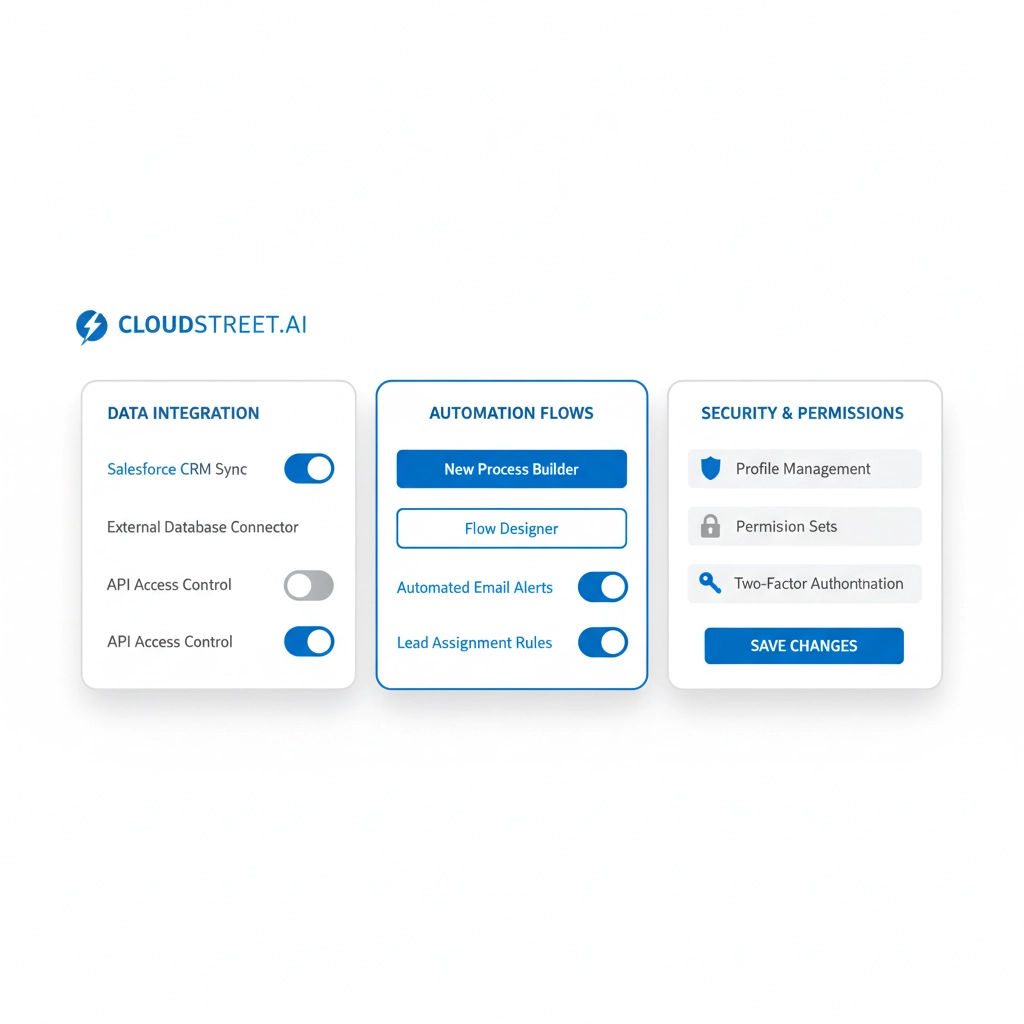
Go to Setup > Users > Permission Sets and create a new permission set. Set the license to “Einstein Search” and include access to Natural Language Search (NLS) and Enhanced Results features.
Step 4: Assign Users to Permission Sets
Once your permission set is ready, assign it to the users who should have access to Einstein Search. You can start with a small pilot group and expand from there.
Step 5: Configure Search Manager
Use Search Manager to review and optimize which objects and fields are searchable. This tool gives you complete visibility into your search configuration and helps ensure users can find what they’re looking for.
Need help with your Salesforce setup? Contact CLOUDSTREET – our team of experts can guide you through the entire process and ensure you’re getting the most out of your Salesforce investment.
3 Game-Changing Features You Need to Know About
1. Natural Language Search for Knowledge Articles
Instead of typing specific keywords, users can ask questions in plain English. For example, instead of searching “password reset procedure,” users can type “How do I reset my password?” The system understands the intent and delivers relevant Knowledge articles.
This feature is particularly valuable for customer service teams who need quick access to support documentation during customer calls.
2. Einstein Search Answers
Currently in pilot phase, this feature goes beyond showing you links to relevant articles – it actually extracts and displays the specific answer you’re looking for. Users can copy answers directly to their clipboard and still access the full source article for additional context.

3. Personalized Results Across All Objects
Einstein Search works across Accounts, Contacts, Opportunities, Cases, Leads, and custom objects. The AI learns which records you access most frequently and surfaces similar items when relevant. It’s like having a personal assistant that remembers your preferences.
4 Best Practices for Maximizing Einstein Search
- Start Small: Begin with a pilot group of power users who can provide feedback before rolling out to the entire organization.
- Train Your Team: Make sure users understand how to phrase natural language queries and take advantage of personalization features.
- Monitor Usage: Use Search Manager regularly to review which objects and fields are being searched most frequently.
- Optimize Over Time: The AI learns from usage patterns, so encourage consistent use and gather feedback to fine-tune the experience.
Want to optimize your Salesforce experience? Talk to a Salesforce expert at CLOUDSTREET. We’ve helped businesses in Houston and worldwide unlock the full potential of their Salesforce investment.
Real-World Benefits We’ve Seen
From our experience working with clients across various industries, here are the most significant improvements we’ve observed:
Faster Information Discovery: Users report finding information 40-60% faster compared to traditional search methods. This translates to more time spent on productive activities rather than searching for data.
Improved User Adoption: When users can easily find what they need, they’re more likely to use Salesforce consistently. This leads to better data quality and more accurate reporting.
Enhanced Customer Service: Support teams can quickly locate relevant Knowledge articles during customer interactions, leading to faster resolution times and improved customer satisfaction.
Common Implementation Challenges and Solutions
Challenge: Users not seeing personalized results immediately.
Solution: Personalization improves over time as the AI learns user patterns. Encourage consistent usage and patience during the initial learning period.
Challenge: Search results not including custom objects.
Solution: Check Search Manager to ensure custom objects are properly configured for search. Some objects may need additional setup.
Challenge: Limited adoption across the team.
Solution: Provide hands-on training and showcase specific use cases relevant to each user’s role. Consider creating internal success stories to demonstrate value.
At CLOUDSTREET, we’ve helped organizations overcome these challenges by providing comprehensive training and ongoing support. Our team understands the unique needs of businesses in Houston and beyond, ensuring successful Salesforce implementations that drive real results.
Getting the Most Out of Your Investment
Einstein Search represents a significant opportunity to improve productivity and user satisfaction within your Salesforce environment. The key to success lies in proper setup, user training, and ongoing optimization based on usage patterns and feedback.
Remember that this is an AI-powered tool that gets better over time. The more your team uses it, the more personalized and accurate the results become. This creates a positive feedback loop where improved results encourage more usage, which further improves the AI’s performance.
Ready to transform your Salesforce search experience? See how CLOUDSTREET can personalize your Salesforce experience. Our team of certified Salesforce professionals has the expertise to help you implement Einstein Search effectively and ensure your team gets maximum value from this powerful feature.
Whether you’re just getting started with Einstein Search or looking to optimize an existing implementation, the investment in time and training will pay dividends in improved productivity and user satisfaction. With the right approach and support, Einstein Search can become an indispensable tool for your organization’s success.
Category
Discover insights that drive results - explore out latest blog posts now
Case Study: How Highland Cabinetry Colorado Built a Modern Wholesale Powerhouse on Salesforce B2B Commerce Cloud
In the world of high-end cabinetry, timing is everything. When [...]
Agentforce ROI: 7 Ways to Maximize Your Salesforce AI Investment
You've heard the buzz. Salesforce Agentforce is supposed to revolutionize [...]
Salesforce B2B Commerce Cloud Partner & Consultant Guide
You're about to drop serious money on a Salesforce B2B [...]
