
Dialpad and Salesforce Integration: Supercharging Communication and CRM Efficiency
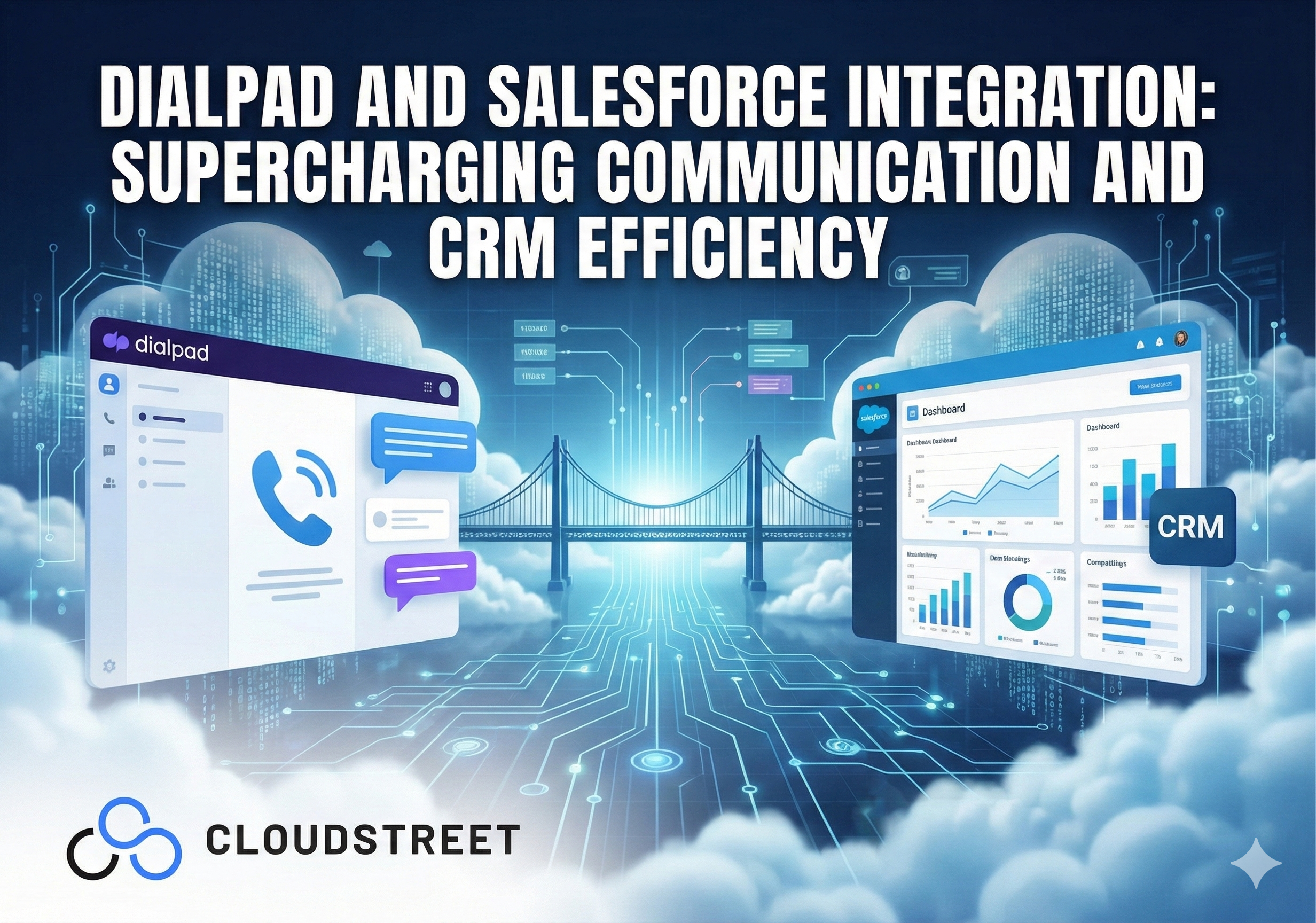
When your sales team is juggling between multiple apps just to make a simple customer call, you’re losing more than time – you’re losing deals. The Dialpad and Salesforce integration eliminates this friction by embedding AI-powered communication directly into your CRM, creating a seamless workflow that actually works.
At Cloudstreet, we’ve helped businesses across Houston, Texas and globally transform their sales operations through strategic Salesforce integrations. The Dialpad connection consistently delivers some of the most impressive ROI improvements we see.
What Is Dialpad-Salesforce Integration?
The Dialpad-Salesforce integration creates a native communication hub within your existing CRM environment. Instead of switching between applications, your team can make calls, send messages, join video meetings, and access AI-powered insights without ever leaving Salesforce.
This isn’t just another add-on – it’s a complete communication transformation that turns your CRM into a unified workspace. Every interaction automatically syncs with your customer data, creating a single source of truth that actually stays current.
5 Core Capabilities That Change Everything
1. Native Communication Within Salesforce
Your team can initiate calls, video conferences, and text messages directly from any Salesforce record. No more copying phone numbers into separate apps or losing context when switching between platforms.
2. Automatic Activity Logging
Every call, voicemail, SMS, and meeting note automatically creates Salesforce activities linked to the right contacts, leads, and opportunities. This eliminates the manual data entry that kills productivity and ensures your records stay accurate.
3. AI-Powered Voice Intelligence
Dialpad’s Voice Intelligence provides real-time transcription, sentiment analysis, and live coaching suggestions during calls. Your reps get instant feedback while managers gain visibility into conversation quality and customer satisfaction trends.
4. Smart Contact Recognition
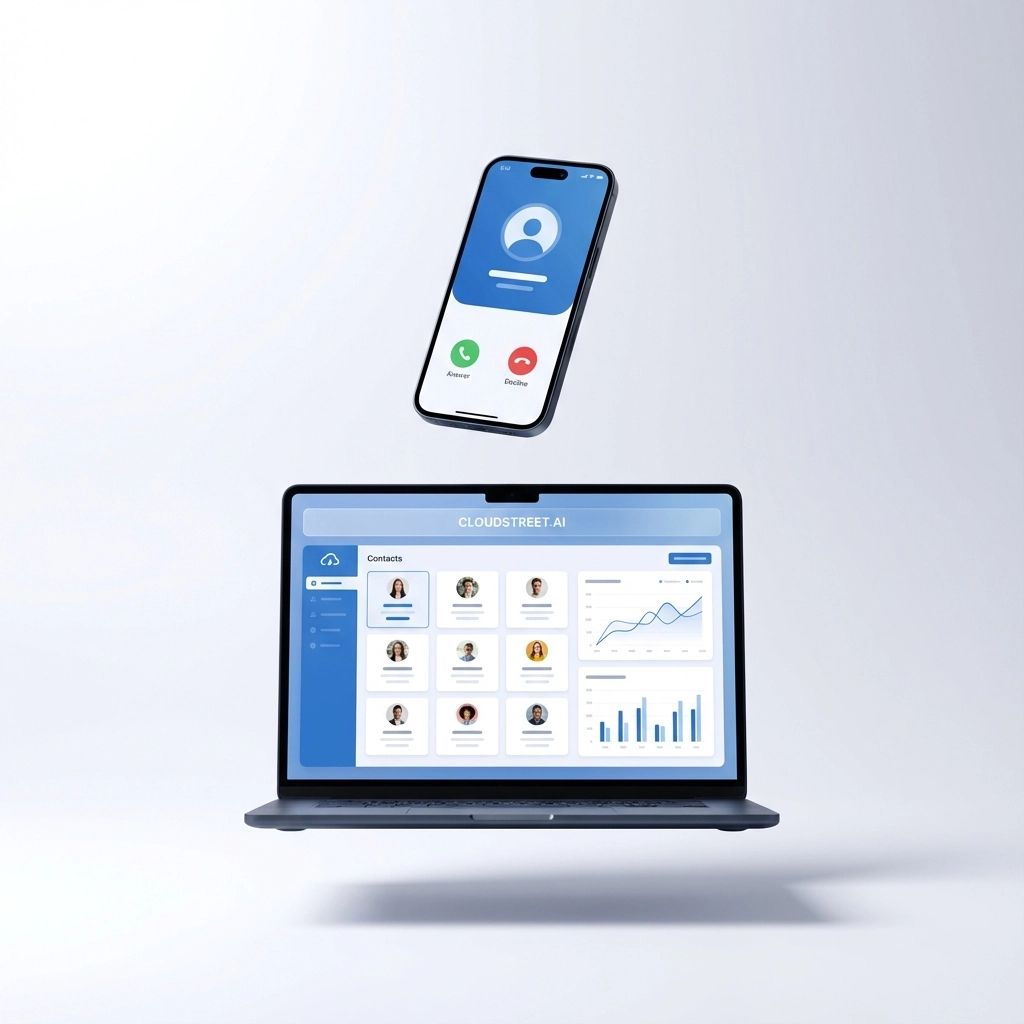
Incoming calls automatically match to existing Salesforce contacts, displaying complete customer histories before you even answer. Your team starts every conversation with full context instead of fumbling through records.
5. Workflow Automation
The integration triggers automated actions based on call outcomes – updating lead statuses, creating follow-up tasks, or advancing prospects through sales sequences without manual intervention.
Ready to see how this transforms your sales process? Explore our Salesforce integration services and discover what’s possible for your business.
Measurable Business Benefits
Productivity Gains That Actually Matter
Teams using the Dialpad-Salesforce integration report 25-30% increases in calling activity simply because the friction disappears. One-click calling from any record eliminates the small delays that add up to lost opportunities throughout the day.
The automatic logging feature saves sales reps an average of 45 minutes daily on administrative tasks. That’s nearly four hours per week that can be redirected to actual selling activities.

Enhanced Customer Experience
When support agents answer calls with complete interaction histories already displayed, resolution times drop significantly. Customers don’t repeat their stories, and agents can focus on solving problems instead of gathering background information.
The integration also enables more personalized outreach. Sales reps can see previous conversation summaries and sentiment scores before making follow-up calls, allowing them to tailor their approach based on actual customer feedback.
Data-Driven Sales Management
Managers gain unprecedented visibility into sales activities and conversation quality. The AI transcription and analysis features identify successful talk tracks, common objections, and coaching opportunities across the entire team.
This data integration creates powerful reporting possibilities. You can track call volume, conversation quality, and conversion rates all within your existing Salesforce dashboards.
Implementation Requirements and Considerations
Technical Prerequisites
The integration requires a Dialpad Pro or Enterprise plan paired with Salesforce Enterprise or Unlimited editions that include API access. Most medium to large businesses already meet these requirements through their existing Salesforce licensing.
Installation happens through the Salesforce AppExchange, making deployment straightforward for IT teams. The process typically takes a few hours rather than weeks, depending on your customization needs.
User Adoption Strategy
Success depends heavily on proper training and change management. Teams need to understand not just how to use the features, but why the new workflow benefits them personally.
We recommend starting with power users who can become internal champions before rolling out to the entire organization. This approach typically results in 90%+ adoption rates within the first month.

Real-World Use Cases
High-Volume Sales Teams
Companies with inside sales teams see immediate benefits from the streamlined calling workflow. Sales development representatives can dial through lead lists more efficiently while automatically updating lead statuses based on call outcomes.
Customer Support Operations
Service teams use the integration to provide more personalized support experiences. When customers call, agents immediately see case histories, previous interactions, and customer preferences without navigating between systems.
Account Management
Enterprise account managers leverage the integration to maintain regular touchpoints with key customers. The automatic logging ensures that all team members stay informed about account status and recent conversations.
Looking to implement similar improvements in your organization? Our team at Cloudstreet specializes in these complex integrations and can guide you through the entire process. Get started with a consultation today.
Advanced Features for Enterprise Users
Salesforce High Velocity Sales Integration
For teams using Salesforce’s sales cadence features, Dialpad seamlessly integrates with automated sequences. Calls triggered from cadences automatically log outcomes and adjust future touchpoints based on conversation results.
Workforce Management Capabilities
The integration includes forecasting and scheduling tools that analyze Service Cloud ticket data to predict call volume and optimize staffing levels. This feature proves especially valuable for customer support operations.
Custom Workflow Automation
Advanced users can create custom triggers that respond to specific call events or conversation insights. For example, you might automatically create high-priority tasks when the AI detects customer dissatisfaction or competitive mentions.

Why Choose Cloudstreet for Your Integration
From our Houston headquarters, we’ve successfully implemented Dialpad-Salesforce integrations for businesses ranging from local Texas companies to global enterprises. Our approach focuses on your specific business processes rather than generic implementations.
We understand that every organization has unique communication patterns and sales workflows. Our team designs integration strategies that enhance your existing processes instead of forcing you to adapt to rigid templates.
The combination of our Salesforce expertise and communication platform experience means we can anticipate challenges and optimize configurations that most consultants miss. We’ve seen what works and what doesn’t across hundreds of implementations.
ROI Expectations and Timeline
Most organizations see positive ROI within 60-90 days of full deployment. The productivity gains from eliminated app-switching and automatic logging typically pay for implementation costs within the first quarter.
Longer-term benefits include improved sales forecasting accuracy, enhanced customer satisfaction scores, and reduced training time for new team members. The data insights generated through AI-powered conversation analysis often reveal optimization opportunities that weren’t previously visible.
For companies with significant communication volumes, the time savings alone often justify the investment. When you multiply small efficiency gains across dozens or hundreds of team members, the impact becomes substantial.
Getting Started with Your Integration
The most successful implementations begin with a clear understanding of your current communication workflows and specific pain points. We recommend starting with a comprehensive assessment that identifies the highest-impact integration opportunities for your business.
From there, we can design a phased implementation that minimizes disruption while maximizing early wins. This approach allows your team to adapt gradually while demonstrating value throughout the process.
Ready to transform how your team communicates with customers? Contact our Salesforce specialists to explore how the Dialpad integration can supercharge your sales and service operations. Whether you’re based in Houston or anywhere around the globe, we’re here to help you achieve the seamless communication efficiency your business deserves.
Category
Discover insights that drive results - explore out latest blog posts now
Case Study: How Highland Cabinetry Colorado Built a Modern Wholesale Powerhouse on Salesforce B2B Commerce Cloud
In the world of high-end cabinetry, timing is everything. When [...]

Agentforce ROI: 7 Ways to Maximize Your Salesforce AI Investment
You've heard the buzz. Salesforce Agentforce is supposed to revolutionize [...]
Salesforce B2B Commerce Cloud Partner & Consultant Guide
You're about to drop serious money on a Salesforce B2B [...]
