
CallRail + Salesforce: Elevate Your Call Tracking & Lead Management
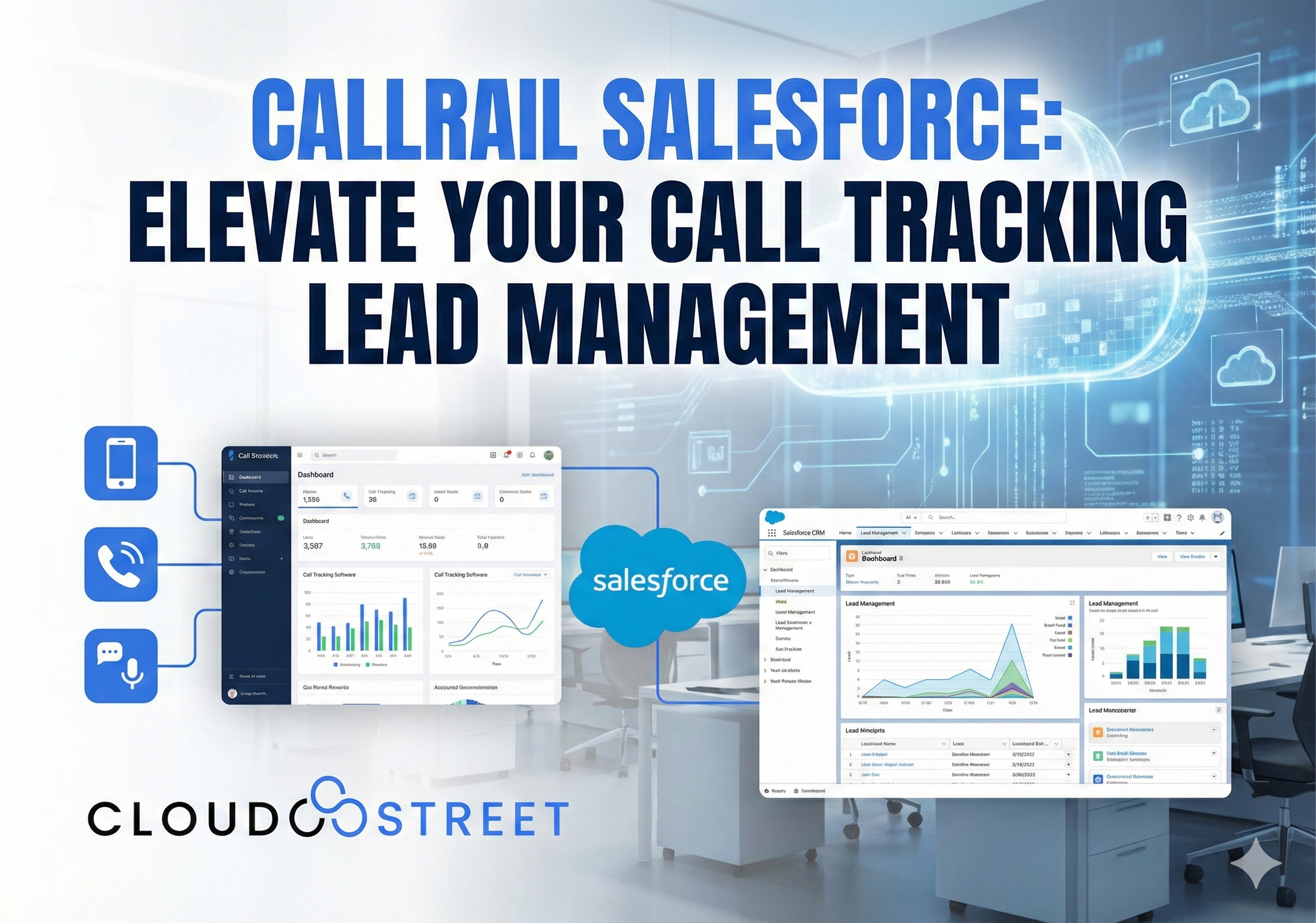
Phone calls still drive serious business results. Whether you’re a home services contractor in Houston or a healthcare provider serving patients globally, those inbound calls represent real revenue opportunities. But here’s the challenge: without proper tracking and integration, valuable call data gets lost in the shuffle between your marketing campaigns and sales pipeline.
That’s where CallRail + Salesforce integration changes the game entirely.
What CallRail + Salesforce Integration Actually Does
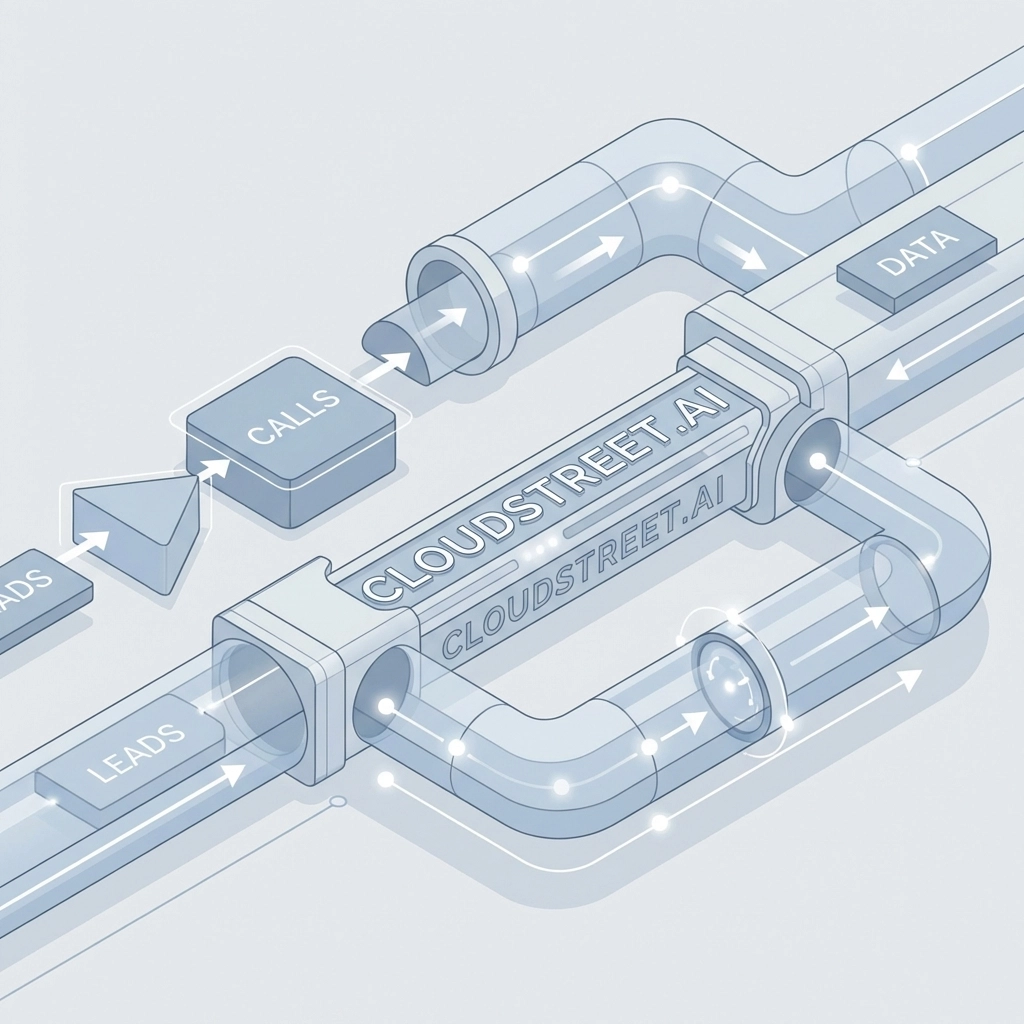
Think of this integration as your digital bridge between marketing attribution and sales execution. CallRail tracks every phone call that comes through your marketing efforts: from Google Ads to social media campaigns: while Salesforce manages your entire customer relationship process.
When these two platforms work together, magic happens. Every phone call automatically creates a lead in Salesforce, complete with call recordings, duration, source tracking, and caller information. No more manual data entry. No more missed opportunities. No more guessing which marketing campaigns actually drive revenue.

5 Game-Changing Benefits of CallRail-Salesforce Integration
1. Automated Lead Creation and Data Capture
Manual data entry is productivity quicksand. The CallRail integration eliminates this completely by automatically logging every call detail directly into Salesforce. When someone calls your tracking number, the system instantly creates a new lead record (if no existing contact exists) with all relevant call information attached.
This automation saves your team hours weekly while ensuring zero leads slip through the cracks. Every conversation gets documented, every caller gets tracked, and every opportunity gets properly managed in your CRM.
2. Complete Marketing Attribution Visibility
Finally answer the question: “Which marketing channels actually drive revenue?” The integration connects specific CallRail tracking numbers to Salesforce campaigns, giving you crystal-clear attribution from first touch to closed deal.
Your marketing team can see which Google Ads, Facebook campaigns, or billboard advertisements generate the highest-quality leads. Meanwhile, your sales team gets complete context about each caller’s journey before they even pick up the phone.
3. Real-Time Performance Insights Across Teams
Both marketing and sales teams access the same call data simultaneously, creating unprecedented alignment. Marketing can optimize campaigns based on actual lead quality data, while sales reps get detailed call insights before making follow-up contacts.
This shared visibility eliminates the traditional disconnect between marketing spend and sales results. Everyone operates from the same data foundation, leading to better decision-making and improved collaboration.
Ready to streamline your sales process? Explore our comprehensive Salesforce services and discover how proper integration transforms business operations.
4. Automated Workflow Triggers and Follow-ups
The integration powers sophisticated automation workflows within Salesforce. Set up automatic task creation for sales reps based on call quality scores. Trigger email sequences for missed calls. Route leads to specific team members based on call source or geographic location.
These automated workflows ensure consistent follow-up processes while freeing your team to focus on actual selling rather than administrative tasks.
5. Comprehensive Call Analytics and Reporting
Access detailed reporting that combines call metrics with CRM data. Track conversion rates by marketing source, analyze call duration patterns, identify peak calling times, and measure ROI across different campaigns.
This data-driven approach enables continuous optimization of both marketing strategies and sales processes based on actual performance metrics rather than assumptions.
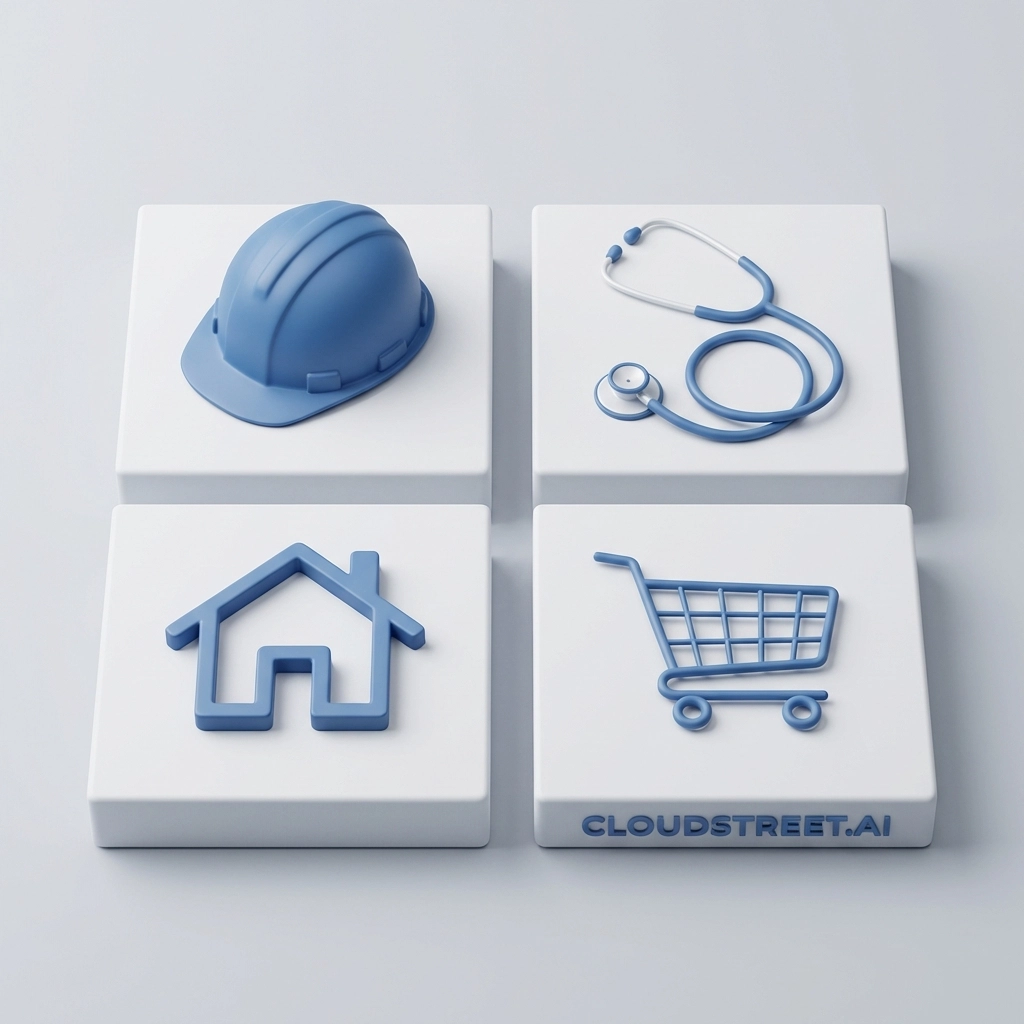
Industry-Specific Use Cases That Drive Results
Home Services Companies
Plumbers, electricians, HVAC contractors, and other home service providers benefit enormously from this integration. CallRail tracks which online directories, local ads, or referral sources generate calls, while Salesforce manages the entire customer journey from initial service call to ongoing maintenance contracts.
Service companies can also use call recordings for quality assurance, ensuring technicians provide consistent customer experiences that drive repeat business and referrals.
Construction and Contracting Firms
Construction companies often manage complex sales cycles involving multiple stakeholders and decision-makers. The CallRail integration captures every initial inquiry call, while Salesforce tracks the extended nurturing process required for large construction projects.
Project managers can review call recordings to understand client requirements better, while sales teams get complete visibility into how prospects discovered the company initially.
Healthcare Practices
Medical practices, dental offices, and specialty healthcare providers use this integration to manage patient inquiries effectively. CallRail tracks marketing campaign performance for patient acquisition, while Salesforce maintains comprehensive patient relationship management.
Healthcare providers can also ensure HIPAA compliance by properly managing and storing call recordings within their integrated system architecture.
Retail and E-commerce Businesses
Retail companies leverage the integration to connect online marketing efforts with phone-based sales conversions. E-commerce businesses can track which digital campaigns drive phone orders, while brick-and-mortar retailers can measure local advertising effectiveness.
This is particularly valuable for businesses selling high-ticket items where customers prefer speaking with sales representatives before making purchase decisions.
Implementation and Technical Requirements
Setting up CallRail-Salesforce integration requires specific technical prerequisites but remains relatively straightforward for most businesses. Your Salesforce org needs REST API access, typically available with Lightning Enterprise or Unlimited editions.
Required user permissions include lead creation/editing rights and activity management capabilities. Most businesses already have these permissions configured for their sales teams, making implementation smoother than anticipated.
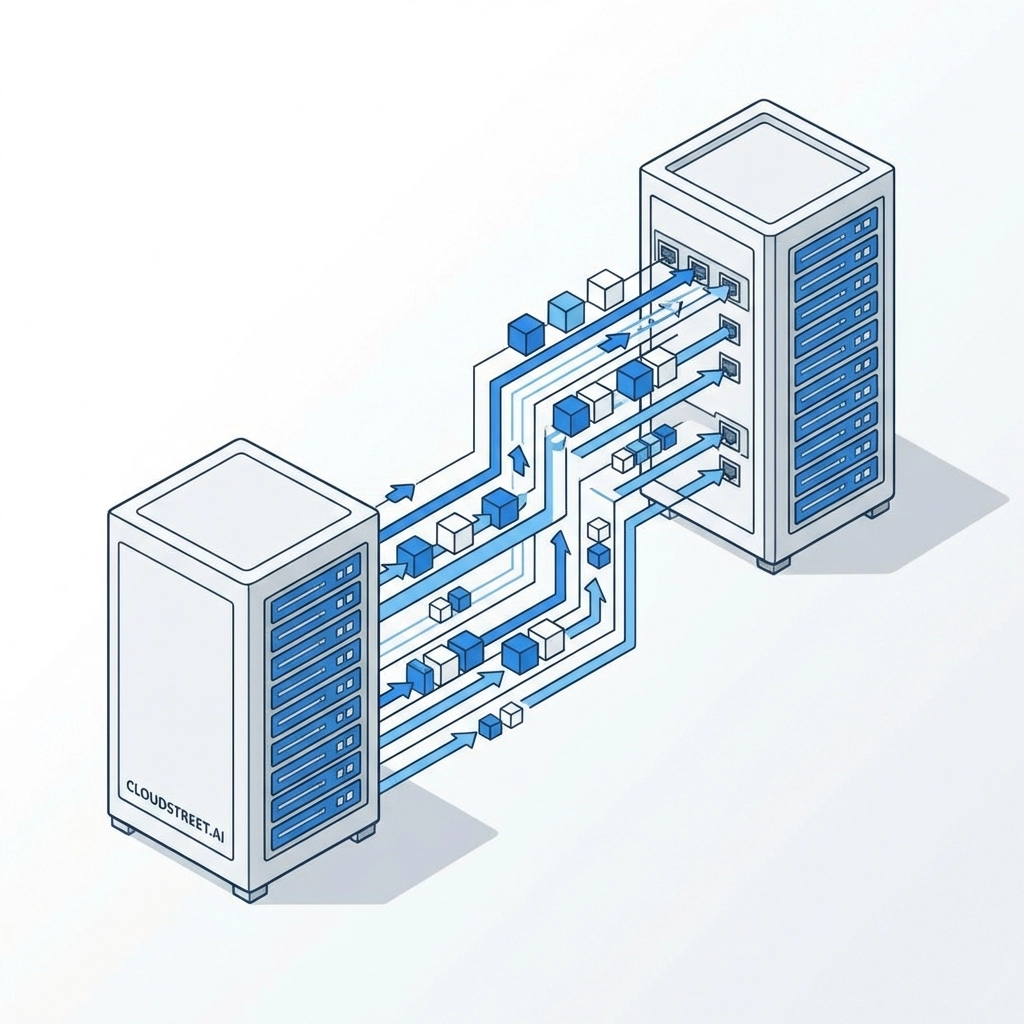
The actual setup process involves connecting your CallRail account to Salesforce through secure API authentication, then configuring field mapping between the two platforms. You’ll specify which CallRail data points sync to corresponding Salesforce fields: for example, mapping call source information to lead source fields.
Data Synchronization and Customization Options
The integration synchronizes comprehensive call data including recordings, duration, caller ID information, tracking numbers, call quality scores, and custom metadata. This information automatically appears in relevant Salesforce records without manual intervention.
Customization options include sophisticated lead assignment rules that route calls to appropriate sales representatives based on geographic location, call quality, or source attribution. You can also configure automated follow-up sequences using Salesforce workflows triggered by specific call outcomes.
Field mapping customization ensures call data appears exactly where your team expects to find it within existing Salesforce layouts and processes.
Measuring ROI and Business Impact
Here at CLOUDSTREET, we’ve helped businesses across Houston and globally implement this integration with consistently impressive results. Companies typically see 25-40% improvements in lead response times simply by eliminating manual data entry delays.
Marketing ROI visibility improves dramatically when teams can trace revenue directly back to specific campaigns and channels. Sales conversion rates often increase 15-30% when representatives have complete caller context before making follow-up contacts.
The automation aspects alone save most businesses 8-12 hours weekly in administrative tasks, allowing teams to focus on revenue-generating activities instead of data management.
Advanced Features and Scaling Considerations
As your business grows, the integration scales seamlessly to accommodate increased call volumes and more sophisticated tracking requirements. Advanced features include conversation intelligence capabilities that analyze call content for sentiment, keywords, and buying intent signals.
Multi-location businesses can configure location-specific tracking numbers that automatically route leads to appropriate regional sales teams within Salesforce. This ensures local follow-up while maintaining centralized reporting and management capabilities.
Getting Started with Professional Implementation
While the integration setup appears straightforward, proper configuration requires understanding both platforms’ capabilities and your specific business requirements. Professional implementation ensures optimal field mapping, workflow configuration, and reporting setup from day one.
At CLOUDSTREET, we specialize in Salesforce integrations that deliver measurable business results. Our team understands the nuances of connecting marketing attribution systems with CRM platforms, ensuring your integration performs exactly as intended.
Ready to eliminate manual call logging while improving lead conversion rates? The CallRail-Salesforce integration represents one of the most impactful productivity improvements available for sales-driven businesses.
Contact our Salesforce experts today and discover how proper integration transforms your lead management process. From initial consultation through ongoing optimization, we ensure your technology investments deliver maximum ROI for your growing business.
Your next great lead is just one phone call away: make sure you’re capturing every opportunity with the right integration strategy.
Category
Discover insights that drive results - explore out latest blog posts now
Case Study: How Highland Cabinetry Colorado Built a Modern Wholesale Powerhouse on Salesforce B2B Commerce Cloud
In the world of high-end cabinetry, timing is everything. When [...]
Agentforce ROI: 7 Ways to Maximize Your Salesforce AI Investment
You've heard the buzz. Salesforce Agentforce is supposed to revolutionize [...]
Salesforce B2B Commerce Cloud Partner & Consultant Guide
You're about to drop serious money on a Salesforce B2B [...]
