5 Signs You’ve Outgrown Your CRM (And What to Do About It)
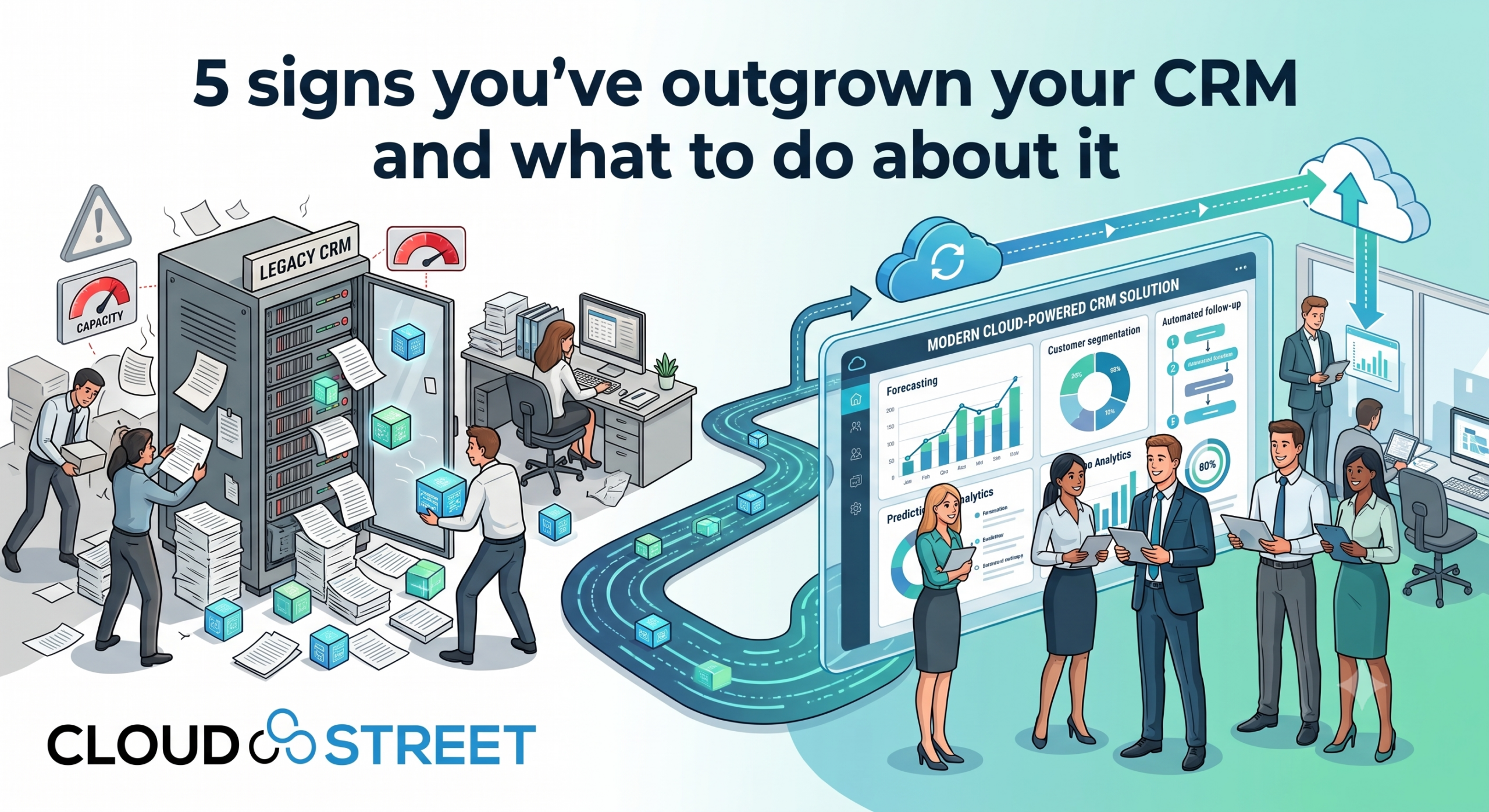
At CloudStreet, we often tell our clients that outgrowing your CRM isn’t a failure: it’s a milestone. It means your business is moving faster than your tools, and your ambition is outstripping your current infrastructure.
From our headquarters in Houston, Texas, we help businesses across the street and across the globe navigate the complex transition from “basic tracking” to “strategic ROI.” Whether you are a mid-market manufacturer in the Gulf Coast or a global enterprise scaling digital operations, recognizing the friction in your current system is the first step toward true optimization.
If you’re wondering if it’s time for a change, here are the five undeniable signs we see every day when we audit Salesforce orgs for our clients.
1. Your Team is Drowning in “Spreadsheet Hell”
The most common sign of a CRM that can no longer keep up is the sudden reappearance of spreadsheets. When your CRM is too rigid or disconnected, your team will naturally seek the path of least resistance. Usually, that means data starts living in Excel or Google Sheets instead of your “Source of Truth.”
We call this “Scattered Data Syndrome.” When we walk into a client’s environment, we often find that Sales is using one tool, Marketing is using another, and the actual customer data is buried in a separate ERP system.
The CloudStreet Perspective:
A basic CRM tracks contacts; an advanced, optimized Salesforce implementation connects them. If you can’t see a customer’s recent support tickets while you’re trying to close an upsell, your data isn’t working for you: it’s working against you.

Contact Our Team to Audit Your Data Strategy
2. You Have More “Busywork” Than Selling
If your high-earning sales reps are spending 40% of their day on manual data entry, you aren’t just losing time: you’re losing revenue. Simple CRMs often lack the sophisticated automation required for complex B2B sales cycles.
We see this frequently in organizations that have scaled quickly:
- Reps manually copy-pasting lead info from LinkedIn.
- Managers chasing down updates via email instead of looking at a dashboard.
- Marketing sends leads that aren’t properly routed to the right territory.
The Fix:
Automation should be a force multiplier. By leveraging Salesforce Artificial Intelligence, we help businesses automate the friction. Imagine a system where your CRM handles the follow-ups and routing while your team focuses solely on relationship building.
3. The Customer Conversation Feels Broken
In the B2B world, customers expect you to know their history across every touchpoint. If a customer has to repeat their technical issue to a sales rep because that rep doesn’t have access to the service logs, the trust begins to erode.
When we implement B2B Commerce solutions, we focus on the “360-degree view.” If your current CRM feels like a series of disconnected silos where the left hand doesn’t know what the right hand is doing, you have officially outgrown it.
Get a Quote for a B2B Commerce Optimization
4. You’re Guessing Instead of Growing
Are you making decisions based on last month’s “gut feeling” or real-time predictive data?
An entry-level CRM gives you historical data: it tells you what happened. An advanced CRM gives you predictive insights. If you can’t look at your dashboard right now and see a reliable forecast for the next two quarters, you are guessing.
The CloudStreet ROI Focus:
We specialize in turning Salesforce from a “database” into a “revenue engine.” By integrating AI and advanced analytics, we help our clients identify bottlenecks before they become deal-breakers.

5. Security and Compliance Feel Like a Puzzle
As your business grows, your data becomes more valuable and your regulatory requirements become stricter. Small-scale CRMs often lack the granular permission sets and auditing capabilities required for enterprise-level security.
We assist businesses in implementing “Trust-First” architectures. If you are worried about who has access to your price lists or customer sensitive data, it’s a clear signal that your current security model is insufficient for your growth.

Schedule a Call to Secure Your Salesforce Org
Simple CRM vs. Advanced CRM: The ROI Gap
Many of our customers in Houston and beyond ask: “What is the real difference between what we have now and what we need?”
| Feature | Simple CRM (The Anchor) | Advanced CRM (The Force Multiplier) |
|---|---|---|
| Data Visibility | Siloed by department. | Unified 360-degree customer profile. |
| Process Execution | Manual entry and human tracking. | Automated workflows and instant routing. |
| Analytics | Historical, surface-level tracking. | Predictive forecasting and Salesforce AI insights. |
| Security | Basic access controls. | Detailed permissions and automated auditing. |
| Integration | Limited or uses brittle third-party apps. | Deeply integrated with ERP and Commerce. |
10 Implementation Tips to Scale Your CRM
If you’ve recognized these signs, here are ten ways we recommend optimizing your environment for growth:
- Unify Your Data Sources: Eliminate the “islands of information” by centralizing your ERP and CRM data.
- Automate Routine Routing: Ensure every lead is routed to the right person instantly without manual intervention.
- Build a Standardized Sales Playbook: Use Salesforce Path to guide your reps through every stage of a deal consistently.
- Leverage Predictive AI: Stop looking at the rearview mirror; use Einstein to forecast your pipeline.
- Implement Marketing Automation: Connect your top-of-funnel activity directly to your sales pipeline for better attribution.
- Prioritize Mobile Accessibility: Ensure your field team has the same data as your office team via the Salesforce mobile app.
- Empower Service with Data: Give your support team the context they need to resolve issues on the first call.
- Collaborate via Slack Integration: Bring your CRM data into your communication channels where work actually happens.
- Segment Your Customer Base: Use data to create highly personalized outreach for different industry verticals.
- Invest in Continuous Training: Technology only works if your people know how to use it. We recommend ongoing enablement sessions.
Self-Assessment: Have You Outgrown Your CRM?
Check all that apply to your current business state:
- We have more than three versions of the same “Client List” in different places.
- It takes more than 24 hours to generate a comprehensive sales report.
- Our sales reps complain that the CRM is “too much work” for “not enough value.”
- We have had customer complaints about disconnected communication.
- We are manually calculating commissions or forecasts in Excel.
Results: If you checked two or more boxes, it’s time to stop settling for “good enough” and start focusing on Salesforce ROI.
Moving Forward with CloudStreet
At CloudStreet, we don’t just “install” software. We partner with you to ensure your Salesforce org is a high-performing asset that scales with your ambition. Based in Houston, Texas, our team brings a pragmatic, ROI-focused approach to every implementation, ensuring that your transition to an advanced CRM is seamless and profitable.
Don’t let your tools become the bottleneck of your success. Whether you are looking to optimize your current setup or migrate to a more robust architecture, we are here to help.
Category
Discover insights that drive results - explore out latest blog posts now
DealHub Salesforce Integration for Manufacturers: Connecting CPQ, Contracts, and CRM
About the manufacturer: mid-market industrial equipment company A U.S.-based, mid-market [...]
Salesforce Data 360 and Agentforce: Why Grounding Is What Makes AI Agents Dependable
An AI agent can produce a fluent answer and still [...]
Salesforce Data 360 Governance and Informatica: Managing Data Quality, Access, and Trust in the Agentic Era
Data governance becomes more consequential when business data does more [...]